
Before you start
You need an n8n instance and an API key for one chat model provider. This lesson uses OpenAI. The Tools Agent page lists OpenAI, Groq, Mistral Cloud, Anthropic and Microsoft Foundry as supported chat models, so you can swap in another. On n8n Cloud, the OpenAI credential field also offers Use Gateway credits, which runs the node without your own OpenAI account.
Every message you send is a model call, and models count their work in tokens, as what are tokens in AI explains.
Build an agent that can look things up and do sums
The agent below has a Wikipedia tool for facts, a Calculator for arithmetic and a memory for the conversation. Step 6 asks you to paste this into its System Message option. The text is our own sample, so change it freely:
You are a helpful assistant. Use the Wikipedia tool for facts about people, places and topics, and the Calculator tool for arithmetic. If a tool returns nothing useful, say so.- Create a workflow and add a Chat Trigger node. Leave Make Chat Publicly Available off while you build, as n8n advises. The chat then works only through the manual chat interface.
- Add an AI Agent node after it. By default the agent reads the user's message from the previous node, which is what the Chat Trigger gives it. The Tools Agent page calls the expected field
chatInput. - Click + Chat Model under the agent and pick OpenAI Chat Model. Create a credential with your API key, then choose a Model. n8n loads the models your OpenAI account can use.
- Connect a memory sub-node and pick Simple Memory. Its Context Window Length sets how many previous interactions the agent considers, as the Simple Memory page describes.
- Connect two tool sub-nodes, Calculator and Wikipedia. n8n requires at least one tool on the agent, and the docs list no parameters for either of these two.
- Open the agent's options, add System Message and paste the text from the code above.
- Open the manual chat interface and send "Please show me a Wikipedia article about cats". Then send "What was my last question?". These are the two test queries in n8n's own agents and chains example. The first needs the Wikipedia tool and the second needs the memory.
- Open the execution and look at the agent node. One message can run it more than once, as the next section explains.
What each part of the agent does
The AI Agent node is the root, and everything else hangs under it as a sub-node. That is why the canvas draws the chat model, memory and tools below the agent and not in the main line. What is n8n shows the same shape inside a finished workflow.
There is one Agent node. Since n8n 1.82.0 every one works as a Tools Agent, and the agent type setting is deprecated. A tutorial that asks you to pick an agent type predates that change.
| Sub-node | What it gives the agent | Required? |
|---|---|---|
| Chat model, such as OpenAI Chat Model | The language model that reads the message and decides what to do | Yes |
| Tool, such as Calculator or Wikipedia | An add-on the agent can call for information or an action | At least one |
| Memory, such as Simple Memory | The chat history, so a follow-up question has context | No |
| Output parser | A fixed output format, when Require Specific Output Format is on | No |
Why one message can run the agent three times
n8n's page on what agents do says that when you run a workflow with an agent, the agent runs multiple times. Its example has three passes, shown below. In the executions list, expect several runs of the agent node for a single message.
The Max Iterations option caps how many times the model runs to generate an answer, and it defaults to 10. Memory has limits of its own. The Tools Agent page says memory doesn't persist between sessions. The Simple Memory page adds that it doesn't work in an active production workflow on a queue-mode instance, since n8n can't guarantee that every call lands on the same worker.
First pass
The agent does its initial setup.
Second pass
The agent runs again to call a tool.
Third pass
The agent evaluates the tool's response and replies to the user.
Agent, chain or something else
A chain follows a predetermined sequence of calls. An agent uses the language model to choose what to do next. n8n's agents versus chains page says chains have no persistent memory, so they can't refer to earlier context.
| AI Agent node | Basic LLM Chain | |
|---|---|---|
| Uses memory | Yes | No |
| Uses tools | Yes | No |
| Chooses which tool to call | Yes | No |
| Follows a fixed sequence of calls | No | Yes |
Sources: n8n Docs: Agents vs chains (read November 4, 2026), n8n Docs: What agents do (read November 4, 2026)
What n8n's team says about agent memory and its new agents
On 1 September 2026 the n8n team posted on X that LLMs are stateless by default, so every call starts cold. Step 4's Simple Memory node exists for exactly this. Without it, the agent has no answer to "What was my last question?"
n8n's guide to agent memory, by Yulia Dmitrievna and the n8n team, says Simple Memory with a session ID works out of the box on a single instance. In queue mode it sends you to Postgres or Redis Chat Memory, which keep each session apart across workers. Swap the memory sub-node before you move this agent to a queue-mode instance.
Before that, on 24 August 2026, the team said on X that agents no longer have to live inside workflows. Each one is now an object of its own, the post says, used across an instance or an organization through native chat. That is the separate Agents feature from the callout above, not the AI Agent node you built. n8n's docs suggest it for work too open-ended for a fixed workflow.
LLMs are stateless by default. Every call starts cold, a real problem for agents running multi-step workflows.
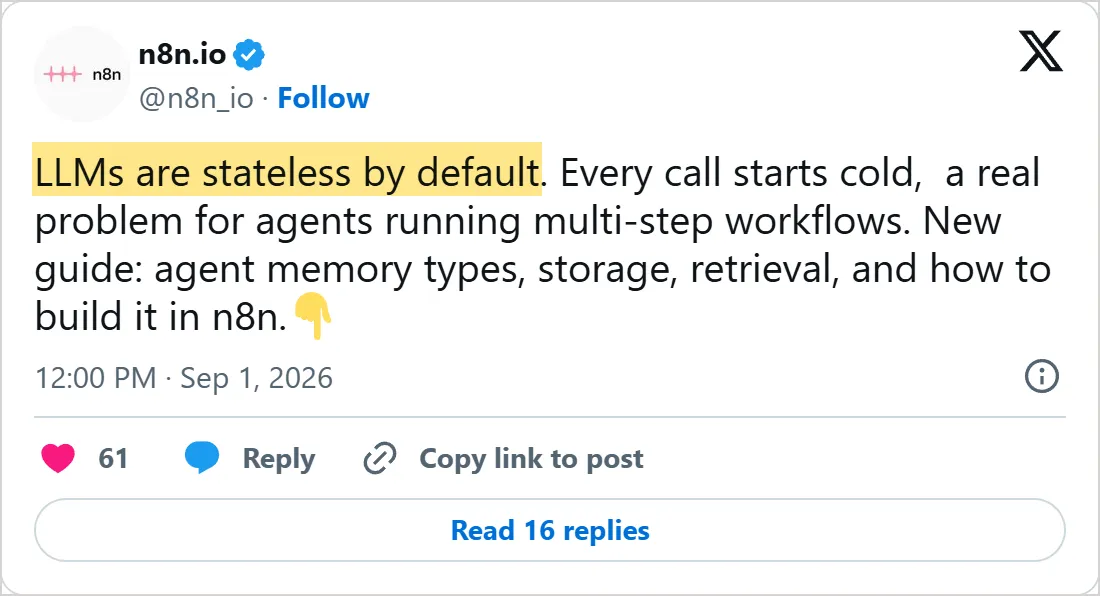
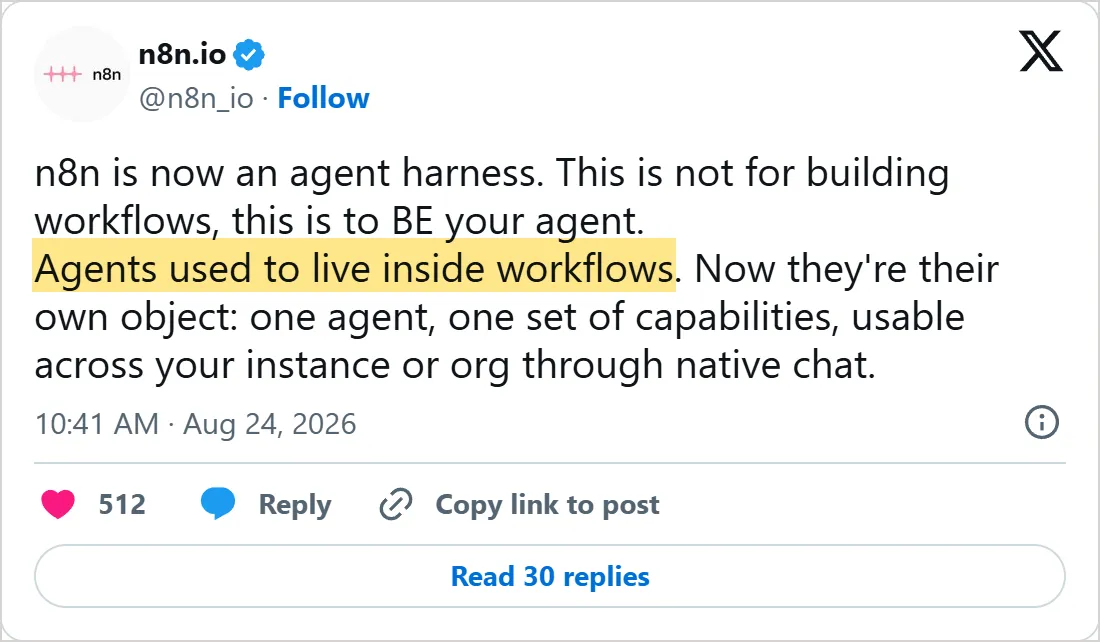
Screenshots of X's own embeds of the posts, taken on 5 November 2026, with the time in UTC. Select a screenshot to open the post on X.
Common mistakes
- Leaving the agent without a model or a tool. With no model, the node errors with "A Chat Model sub-node must be connected", so click + Chat Model and pick one, as the common issues page says. A tool sub-node is needed too.
- Starting from a trigger that does not give the agent a prompt. The error "No prompt specified" means the agent expects one from the previous node. Set Prompt to Define below and build it from static text or expressions.
- Passing a null prompt. The error "400 Invalid value for 'content': expected a string, got null" means an expression in the prompt resolved to nothing, so check each field it reads.
- Copying an old template with a Simple Memory node that errors. Remove it and add it again. Templates can hold the older version, once called Window Buffer Memory.
- Relying on Simple Memory in production on a queue-mode instance. n8n lists Redis Chat Memory and Postgres Chat Memory among its other memory options.
- Making a chat public with no authentication. With Make Chat Publicly Available on and authentication set to None, anyone can use the chat.
Try it yourself
- Turn on Return Intermediate Steps in the agent's options and read the extra output.
- Set Context Window Length to a small number, chat past it, then ask about your first question.
- Swap the OpenAI Chat Model for another model the Tools Agent supports and keep everything else.
- Add an HTTP Request Tool so the agent can call an API, or a Call n8n Workflow Tool so it can run another workflow of yours.
What to learn next
The agent runs wherever n8n runs, and lesson 4 puts n8n on your own machine with Docker. For agents that talk to outside tools, the MCP Client Tool node connects one to an MCP server, and what is MCP explains the protocol. To see an agent inside a complete workflow before you build your own, Mindket's n8n workflows draw every node, including the sub-nodes, on the page.
Check yourself
Which sub-node gives the agent the chat history, so a follow-up question has context?
Show answer
C. Simple Memory Memory is the sub-node that keeps the chat history, and without it the agent cannot answer "What was my last question?".
One chat message makes the agent node run three times in the execution. Why?
Show answer
B. The agent runs more than once per message, for setup, a tool call and the reply n8n says an agent runs multiple times, and its example has three passes: initial setup, a tool call, then evaluating the result and replying.
The agent node errors with "A Chat Model sub-node must be connected". What do you do?
Show answer
A. Click + Chat Model under the agent and pick one The error means the agent has no chat model, and the common issues page says to click + Chat Model and pick one.
When is the AI Agent node a better fit than a Basic LLM Chain?
Show answer
D. When the job needs tools or a conversation history A chain follows a predetermined sequence and supports neither memory nor tools, while an agent lets the model choose what to do next.
Frequently asked questions
Can I use Anthropic's Claude instead of OpenAI?
Yes, Anthropic's models work through a node of their own. Remove the OpenAI one, click + Chat Model on the agent and pick the Anthropic node instead. The memory and tools stay connected. n8n's AI overview names Google among the providers too.
Does an n8n AI agent remember earlier messages?
Only with a memory sub-node. Simple Memory keeps a chosen number of previous interactions for the current session, and the memory page says an AI chain can't use memory at all.
Should I use the AI Agent node or a Basic LLM Chain?
Use the agent when the job needs tools or a conversation history. A chain supports chatting with a connected model, but not memory or tools, so it fits a single fixed step.
Can the agent return structured data instead of text?
Yes. Turn on Require Specific Output Format and connect an Auto-fixing Output Parser, an Item List Output Parser or a Structured Output Parser. The Tools Agent passes the parser to the model as a formatting tool.
Can an n8n agent use MCP servers?
Yes. The AI Agent page lists MCP servers as a way to give an agent tools, and a registry server connects in one click. The guide on what n8n is covers the MCP Client Tool and the MCP Server Trigger in more detail.
Can I make the agent ask a person before it runs a tool?
Yes. n8n lets you require approval before specific tools run, and the request goes through a channel such as Chat, Slack or Telegram. Its docs have a human-in-the-loop example for tools.
Is every chat message one execution?
Yes. The Chat Trigger page says every message runs your workflow, so a ten-message conversation uses ten executions.
Sources
- n8n Docs: AI Agent node https://docs.n8n.io/integrations/builtin/cluster-nodes/root-nodes/n8n-nodes-langchain.agent
- n8n Docs: Tools Agent https://docs.n8n.io/integrations/builtin/cluster-nodes/root-nodes/n8n-nodes-langchain.agent/tools-agent
- n8n Docs: AI Agent common issues https://docs.n8n.io/integrations/builtin/cluster-nodes/root-nodes/n8n-nodes-langchain.agent/common-issues
- n8n Docs: What agents do https://docs.n8n.io/build/integrate-ai/understand-ai-components/what-agents-do
- n8n Docs: Agents vs chains https://docs.n8n.io/build/integrate-ai/understand-ai-components/agents-vs-chains
- n8n Docs: How memory works https://docs.n8n.io/build/integrate-ai/understand-ai-components/how-memory-works
- n8n Docs: How tools work https://docs.n8n.io/build/integrate-ai/understand-ai-components/how-tools-work
- n8n Docs: Chat Trigger node https://docs.n8n.io/integrations/builtin/core-nodes/n8n-nodes-langchain.chattrigger
- n8n Docs: Simple Memory node https://docs.n8n.io/integrations/builtin/cluster-nodes/sub-nodes/n8n-nodes-langchain.memorybufferwindow
- n8n Docs: OpenAI Chat Model node https://docs.n8n.io/integrations/builtin/cluster-nodes/sub-nodes/n8n-nodes-langchain.lmchatopenai
- n8n Docs: Calculator node https://docs.n8n.io/integrations/builtin/cluster-nodes/sub-nodes/n8n-nodes-langchain.toolcalculator
- n8n Docs: Wikipedia node https://docs.n8n.io/integrations/builtin/cluster-nodes/sub-nodes/n8n-nodes-langchain.toolwikipedia
- n8n Docs: Build and manage agents https://docs.n8n.io/build/build-and-manage-agents
- n8n Docs: Integrate AI https://docs.n8n.io/build/integrate-ai
- n8n Blog: AI agent memory, types, storage and how to implement it https://blog.n8n.io/ai-agent-memory/
- n8n.io on X: LLMs are stateless by default, 1 September 2026 https://x.com/n8n_io/status/2094757236811636762
- n8n.io on X: n8n is now an agent harness, 24 August 2026 https://x.com/n8n_io/status/2091838324163940766