How an n8n workflow runs, start to finish
Take the AI product photo to video generator listed on Mindket, which turns one product photo into a finished clip in six steps.
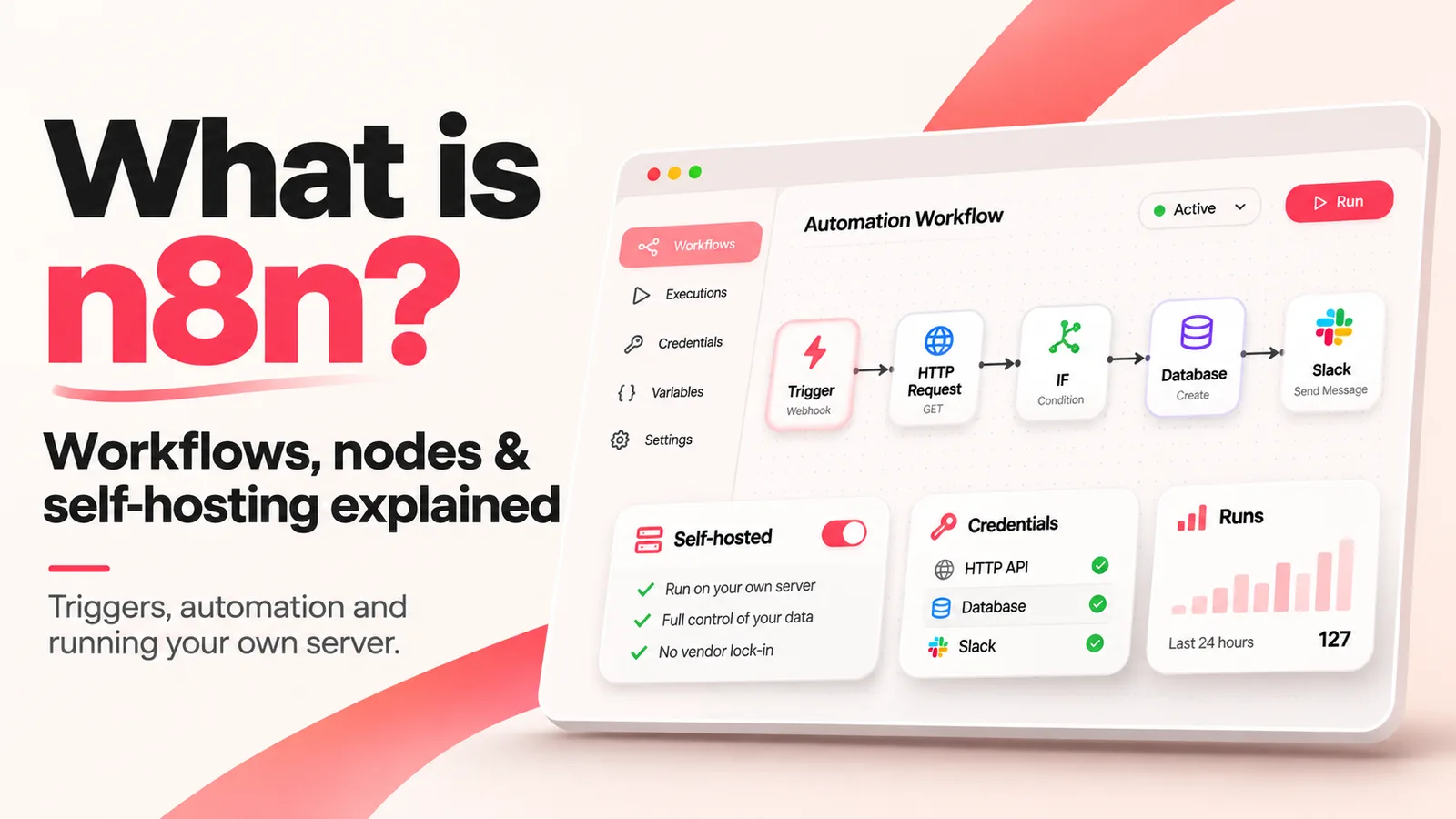
Each step is a node. The form that starts the run is the trigger, marked with a bolt icon in the editor, and every other node is an action, such as getting or sending data. No code is needed, though the README says a step that does need it can take JavaScript, Python and npm packages.
Nothing runs on its own until you publish the workflow. Before that, each execution, n8n's word for one run, is a manual test you start from the editor. Once it's published, webhook and form triggers use their production URLs, schedules run at their set times and app events start runs. Publish arrived in n8n 2.0, replacing the old active and inactive toggle.
Form trigger
Someone fills in the form and attaches a product photo.
HTTP Request
Uploads the photo to Cloudinary.
Google Gemini
Describes the product from the photo.
AI agent
Creative Director plans the shots, with a chat model and an output parser hanging off it.
Sub-workflow
A call to a second workflow renders the clip.
HTTP Request
Downloads the finished video.

The X posts on this page are screenshots of X's own embed, so their times are US Pacific time.
AI agents and MCP in n8n
Step four, Creative Director, is an AI Agent node. Its chat model and output parser hang off it rather than the main line, which is how six steps make eight nodes. That group is what n8n calls a cluster node, with the agent as its root node and the other two as sub-nodes. A workflow can connect models from OpenAI, Anthropic and Google, among others.
In n8n's example, one execution passes through the agent several times: once to set up, again to call a tool, and once more to read the tool's answer and reply.
Two nodes speak MCP, the Model Context Protocol that lets an AI app reach outside systems. The MCP Client Tool node lets an agent connect to an MCP server by its URL and credentials. The MCP Server Trigger works the other way round. It turns n8n itself into an MCP server that offers its tools and workflows to MCP clients, over Server-Sent Events or streamable HTTP rather than stdio.

Can you use n8n commercially?
Yes, for your own business. Your staff can build workflows, and a consultant can build automations for clients on the consultant's own instance, as long as the clients can't create or edit them. The license FAQ draws the line at who builds the workflows, which rules out a product where your customers build their own. White-labeling n8n with its branding removed is out too.
The code is public on GitHub, and anyone can read and extend it. It's generally free to use and share, but under n8n's fair-code model its authors restrict commercial use. Fair-code itself isn't a software license. The license that applies is the Sustainable Use License.
The license file sets three conditions:
- You may use or modify the software only for your own internal business purposes, or for non-commercial or personal use.
- You may distribute it or provide it to others only free of charge and for non-commercial purposes.
- Files with
.ee.in their name, or.eein their folder name, are not under this license and need an n8n Enterprise License.
n8n Cloud or self-hosted?
Self-hosting pays off when your data has to stay on machines you run, or when you need a setting Cloud doesn't expose. Out of the box, a self-hosted n8n runs as the Community edition. A Business or Enterprise license key switches it to that edition.
Hosted or self-hosted, n8n prices its plans by execution, and only production executions count toward the quota, so testing from the editor doesn't use it up. Docker is the quickest way to try your own, and the hosting docs also cover npm and several cloud providers. The README's two quick-start commands start the free Community edition:
docker volume create n8n_data
docker run -it --rm --name n8n -p 5678:5678 -v n8n_data:/home/node/.n8n docker.n8n.io/n8nio/n8nSource: n8n: pricing (read November 3, 2026)
| n8n Cloud Our pick | Self-hosted | |
|---|---|---|
| Ready with no installation | Yes | No |
| Needs no technical expertise | Yes | No |
| n8n hosts, updates and scales it | Yes | No |
| You control the environment and configuration | No | Yes |
| Free to run | Partly | Yes |
| Enterprise features such as SSO and projects | Paid plan | Paid plan |
| Fine for production | Yes | Yes |
Our pick: n8n Cloud. n8n's own guide points anyone who wants to start right away, or has no technical expertise, to Cloud. Free to run means a trial on Cloud and the Community edition on self-hosted.
Source: n8n Docs: Choose how to use n8n (read November 3, 2026)
Ready-made workflows, and how big n8n is
Mindket files n8n workflows in a tab of their own under Automations. Each workflow page draws its nodes live in n8n's own preview, with a Full screen button. An Integrations block names each app the workflow connects and what you need from it, such as an API key.
Inside n8n that key becomes a credential, stored encrypted in n8n's database, and a workflow refers to it only by name and ID. Sharing a workflow within one n8n instance lets its editors use every credential in it, even ones nobody shared with them directly.
The Get it button downloads a zip with the workflow's JSON and its setup notes, ready to import into n8n and publish. Mindket is an independent store and isn't affiliated with n8n.
n8n's homepage counts 500+ native integrations and its README 1500+, both the vendor's own figures.
9,000+
workflow templates, per the repository's README
Source: GitHub: n8n-io/n8n (read November 3, 2026)
The counts here are as n8n's pages and GitHub showed them on 3 November 2026.
Frequently asked questions
Is n8n open source?
Not quite. Its README calls n8n source available and self-hostable. Until 17 March 2022 the license was Apache 2.0 with Commons Clause, and since then it has been the Sustainable Use License.
What happens to a published workflow while I edit it?
It keeps running the published version. Your edits autosave within a few seconds as new versions, but they stay drafts until you publish again. Versions you name are kept when n8n prunes old ones.
Can Claude Code use n8n?
Yes, once an owner or admin switches on Instance-level MCP in Settings and enables each workflow for it, one by one. Clients can then search workflows and trigger the ones you exposed. From n8n 2.13.0 they can also create and edit workflows. The MCP server page names Claude Code, Codex, Cursor and Gemini CLI among its clients.
How do I debug an n8n run that failed?
Open it from the executions list. n8n lists past executions per workflow and across all workflows, and you can copy a past run's data back into the editor to debug it.
Sources
- n8n Docs: Welcome https://docs.n8n.io/
- n8n Docs: Workflows https://docs.n8n.io/workflows/
- n8n Docs: Node types https://docs.n8n.io/integrations/builtin/node-types
- n8n Docs: Understand executions https://docs.n8n.io/build/understand-workflows/understand-executions
- n8n Docs: Save and publish workflows https://docs.n8n.io/build/understand-workflows/save-and-publish-workflows
- n8n Docs: Use the command line https://docs.n8n.io/deploy/host-n8n/configure-n8n/use-the-command-line
- n8n Docs: Create and edit credentials https://docs.n8n.io/build/understand-workflows/create-and-edit-credentials
- n8n Docs: Back up and restore https://docs.n8n.io/deploy/host-n8n/keep-n8n-running/backup-and-restore
- n8n Docs: Share with others https://docs.n8n.io/build/manage-workflows/share-with-others
- n8n Docs: Integrate AI https://docs.n8n.io/build/integrate-ai
- n8n Docs: What agents do https://docs.n8n.io/build/integrate-ai/understand-ai-components/what-agents-do
- n8n Docs: AI Agent node https://docs.n8n.io/integrations/builtin/cluster-nodes/root-nodes/n8n-nodes-langchain.agent
- n8n Docs: MCP servers https://docs.n8n.io/build/integrate-ai/mcp-servers
- n8n Docs: MCP Server Trigger node https://docs.n8n.io/integrations/builtin/core-nodes/n8n-nodes-langchain.mcptrigger
- n8n Docs: Connect to n8n MCP server https://docs.n8n.io/connect/connect-to-n8n-mcp-server
- n8n Docs: Community license https://docs.n8n.io/n8n-community-license/community-license
- n8n Docs: License FAQ https://docs.n8n.io/n8n-community-license/community-license/license-faq
- n8n on GitHub: LICENSE.md https://raw.githubusercontent.com/n8n-io/n8n/master/LICENSE.md
- n8n Docs: Choose how to use n8n https://docs.n8n.io/choose-how-to-use-n8n
- n8n Docs: Host n8n https://docs.n8n.io/deploy/host-n8n
- GitHub: n8n-io/n8n https://github.com/n8n-io/n8n
- n8n: homepage https://n8n.io/
- n8n: pricing https://n8n.io/pricing/
- n8n on X: the n8n 2.0.0 beta and its Publish model https://x.com/n8n_io/status/1998101094338015405
- n8n on X: native MCP Client and Trigger nodes https://x.com/n8n_io/status/1910272150579138633