
AI music tools compared: free plans, prices and limits
Seven tools cover songs, background music, sound effects and cleanup. Suno, ElevenLabs and Google make finished tracks in the cloud. Stability AI and the ACE-Step project publish models you download and run. Adobe Podcast and Descript repair recordings you already have.
The free plans are generous for listening and stingy for publishing. That gap is the column to read before the price.
| Tool | Made for | Free plan | Entry paid plan, as its page states it | Limits that bite | Commercial use | API | Runs on your computer |
|---|---|---|---|---|---|---|---|
| Suno | Full songs with vocals, from a prompt, your own lyrics or an audio upload | 50 credits a day on the v6-mini model, no commercial rights | Pro: $10 per month, or $8 per month billed $96 a year, 2,500 credits, v6 and v6-wild | Downloads: 20 a month on Pro, 60 on Premier. Free accounts get only trial downloads | Pro and Premier | Not stated on its page | No |
| ElevenLabs Music and Sound Effects | Songs, instrumentals and sound effects from a prompt | 10,000 credits a month for personal use. A minute of music costs about 900 credits | Starter: $6 per month, $1 the first month, 30,000 credits | Sound effects run 30 seconds a clip at most. Music on self-serve plans excludes film, TV and studio games | From Starter, with limits by plan | Yes | No |
| Google Gemini app and API (Lyria 3.5) | Songs with lyrics, or instrumentals, short or full length | The Gemini app makes music for all users. The API has no free tier for Lyria | Gemini API: Lyria 3.5 $0.08 per song, Lyria 3 Clip $0.04 per 30-second song | You must be 18 or older. Every track carries a SynthID watermark. The API makes a song in one turn, with no editing | API: "Google won't claim ownership" of output. The app's help page does not say | Yes | No |
| Stable Audio 3.0 (Stability AI) | Music and sound effects from a web app, an API or your own hardware | Open weights for the Small and Medium models | Not stated on its page | Tracks up to 6 minutes. The pages we read never mention vocals | Free under $1M annual revenue, by its Community License | Yes | Yes, Small and Medium |
| ACE-Step 1.5, open source | Songs with lyrics on your own computer | Free: MIT License | None | The base models need under 4 GB of video memory. The XL models need 12 GB or more | Not stated on its page | Yes, a local REST API and a Python API | Yes |
| Adobe Podcast Enhance Speech | Cleaning up recorded speech | Free to use. Its page states no free limits | Premium comes with the Adobe Firefly Pro plan. Price not stated on its page | Premium: up to 4 hours a day, files up to 1 GB | Not stated on its page | Not stated on its page | No |
| Descript, with Studio Sound | Editing audio and video as text. Studio Sound removes echo and background noise | 60 minutes of media a month, 100 one-time AI credits, 720p export with a watermark, Studio Sound limited | Hobbyist: $16 or $24 per person per month (annual or monthly billing), 10 hours of media a month | Media hours per month, plus AI credits on the free plan | Not stated on its page | Not stated on its page | Not stated on its page |
Udio is not in the table. Its own pricing page showed no plans when we read it, and the newest entry in its help center's changelog is from September 2025.
Pick by what the audio is for
A music bed is the instrumental that sits under a voice or a video. A sound effect is a short noise such as a door or rain. Cleanup means taking hiss, hum and room echo out of a recording you already made. Each row below starts from one of those jobs, or from a full song.
- A song with vocals, free to try: Gemini's Create music tool, open to all users, or Suno's free plan on v6-mini.
- A song you will release or sell: Suno Pro or Premier, where you own the songs. On ElevenLabs, Creator or Pro, because Starter's music license excludes streaming.
- A music bed under a video or podcast: ElevenLabs Music on a paid plan, outside film and TV. Stable Audio makes tracks up to 6 minutes from licensed training data. Our AI video lesson covers the picture side.
- Sound effects: ElevenLabs Sound Effects, up to 30 seconds a clip and royalty-free on paid plans. Stability publishes a Small SFX model you can run yourself.
- A voice over music in one go: Suno Speech, a beta open to everyone, generates the voice and the music as one track.
- Cleaning up a recorded voice: Adobe Podcast Enhance Speech, a free filter for spoken audio, or Studio Sound in Descript, limited on the free plan.
- Private lyrics, or no internet: ACE-Step for songs with lyrics, or Stable Audio's Small and Medium models for music beds, on your own machine.
- An API for an app: Google prices its Lyria models per song, and ElevenLabs and Stability sell music through their APIs too.
- Chinese lyrics: none of the pages we read names Chinese for sung lyrics. Lyria 3 launched in eight languages without it, and ACE-Step's README counts its lyric languages without listing them, so try a short clip first.
Sources: GitHub: ACE-Step 1.5 (read November 6, 2026), Stability AI: Stable Audio (read November 6, 2026), Google: Generate music with Gemini Apps (read November 6, 2026), Google: Gemini API music generation (read November 6, 2026), ElevenLabs: Sound effects (read November 6, 2026)
What each plan lets you publish or monetize
Owning a track and being allowed to earn from it are two questions, and free plans mostly answer no to both. Suno draws the line most clearly. Its help page says Suno keeps ownership of songs made on the free plan, while Pro and Premier subscribers own theirs and keep commercial rights after they cancel.
The test is whether you were subscribed when you made the song. Upgrading later is not described as covering older free songs, so make the take you plan to release after you subscribe.
| Tool | On the free plan | On a paid plan |
|---|---|---|
| Suno | Suno owns the songs. Non-commercial use only | You own the songs, and commercial rights stay after you cancel |
| ElevenLabs Music | Personal use only | Starter: commercial, no streaming. Creator and Pro: commercial, not enterprise. Self-serve plans exclude film, TV and studio games |
| ElevenLabs Sound Effects | Non-commercial use only | Royalty-free in commercial projects |
| Gemini app and API (Lyria) | The app's help page does not cover commercial use. Every track is watermarked as AI-generated | API terms: Google won't claim ownership of what you generate |
| Stable Audio 3.0 open weights | Community License: free for individuals and businesses under $1M annual revenue, and you own the outputs | Above $1M a year, an Enterprise license, which adds legal indemnification |
| ACE-Step | MIT License for the code. Its page does not cover commercial use of outputs, and asks you to disclose AI involvement | No paid plan |
Make your first track free in three steps
Google built Lyria 3.5, its newest music model, into the Gemini app on 4 September 2026 and made it available to all users worldwide. That makes Gemini the free way in. The steps are from its help page, and you must be 18 or older.
- Open Create music. Go to gemini.google.com or open the Gemini app, signed in with a personal Google Account or a supported work or school account, and with Keep Activity on. At the bottom of the text box, select Upload & tools, then Create music.
- Describe the track. Type the genre, mood, instruments and whether you want vocals, and add an image or video for context if you like. Short tracks run about a minute. For a full track, switch the model to Pro.
- Download it. Save the track as an MP4 video with cover art or as an MP3, or copy a link to share it. Each track carries a watermark that marks it as AI-generated.
Make songs offline with ACE-Step
ACE-Step 1.5 is an open source song model under the MIT License. It makes the longest tracks in the chart above and takes lyrics in more than 50 languages. Its base models run in under 4 GB of video memory, so a modest graphics card is enough to try it.
The README installs it with git and uv, a Python package manager:
git clone https://github.com/ACE-Step/ACE-Step-1.5.git
cd ACE-Step-1.5
uv sync
uv run acestepA CUDA graphics card is recommended, and the README also lists Apple Silicon, AMD, Intel and CPU support. Check how much video memory you have with the hardware lesson before you pick an XL model.
What Google Gemini and Suno posted about longer tracks and edits
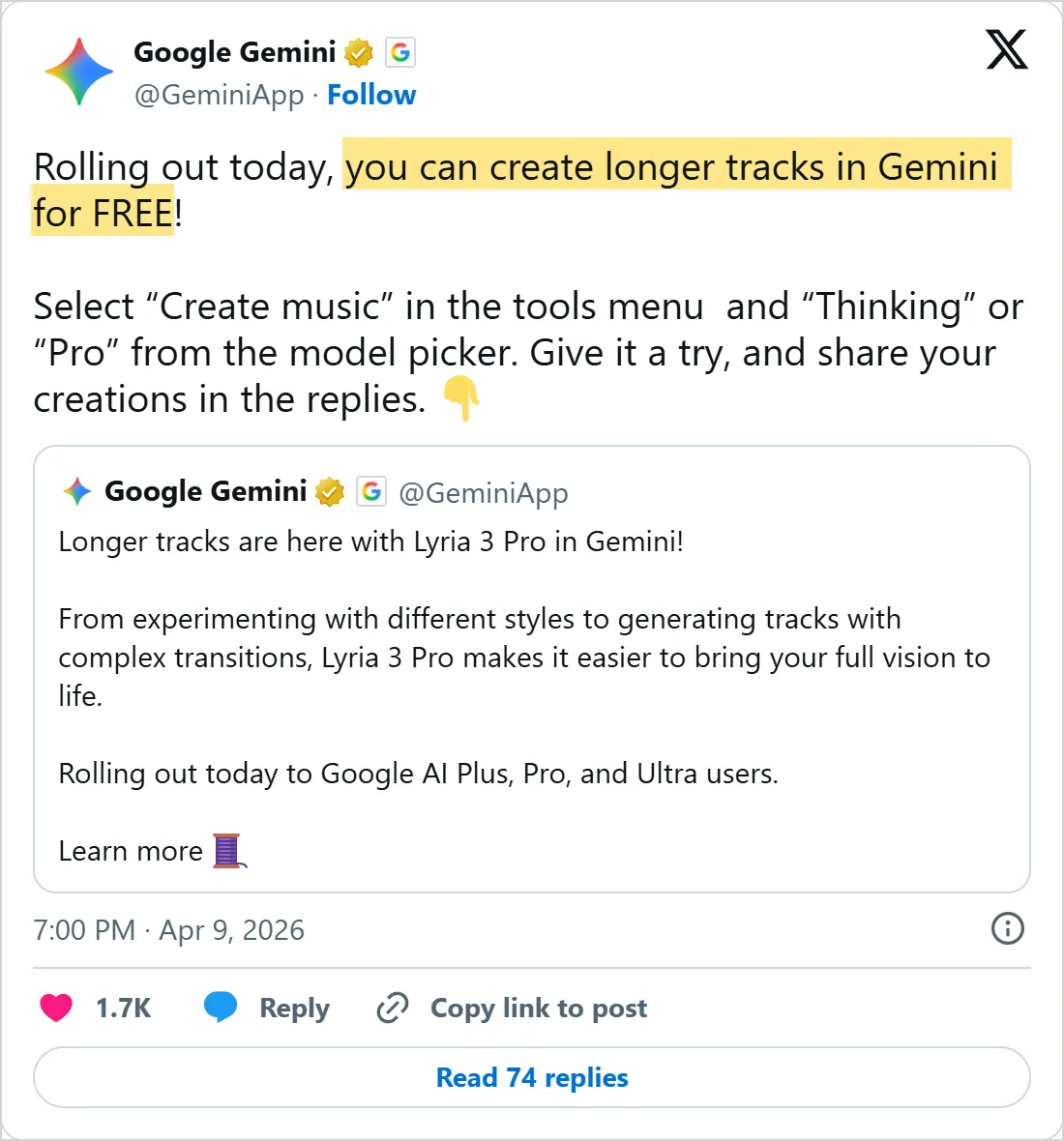
On 9 April 2026 the Gemini app's own account posted on X that longer tracks had become free to make. It named the menus: Create music in the tools menu, then Thinking or Pro in the model picker. Google's help page now names only Pro for a full track, which is why step 2 says Pro.
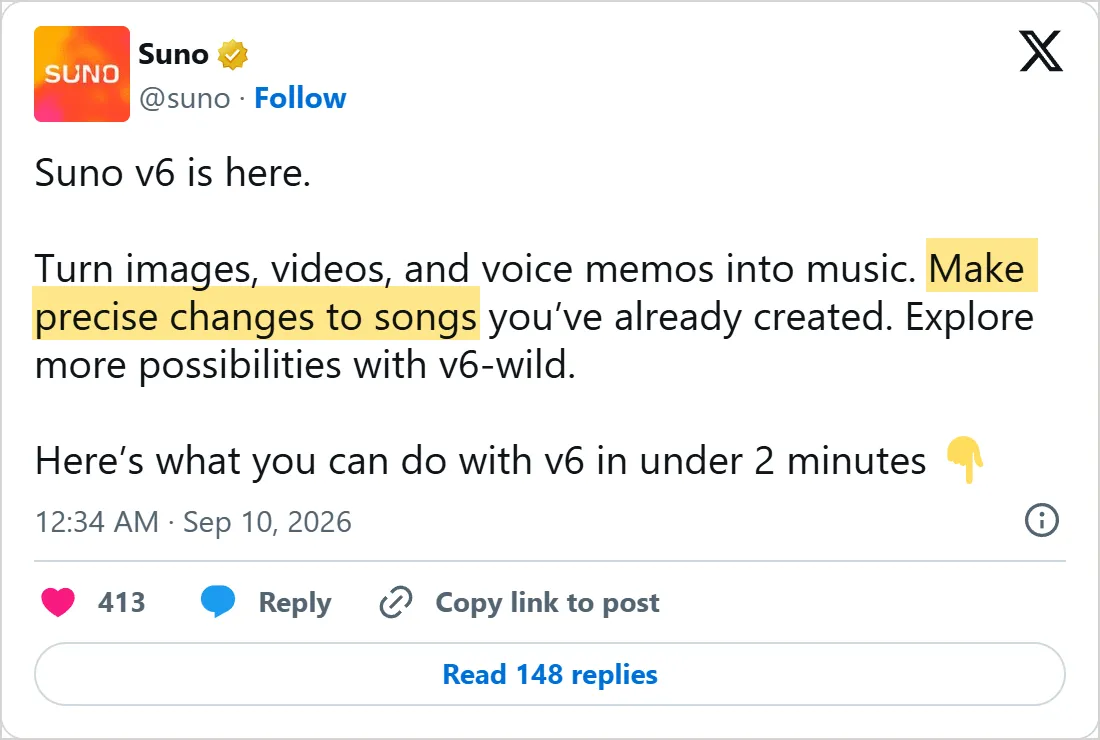
Suno's account announced v6 on 10 September 2026 with a line worth acting on: you can make precise changes to songs you have already created. When one line of a verse is wrong, edit that line in the song you like. Generating a new song for it costs credits and loses the take you liked.
Suno's own YouTube channel has a video on what changed with v6.
Make precise changes to songs you’ve already created.

Screenshots of X's own embeds of the posts, with the time in UTC. Select one to open the post on X.
Common mistakes
- Counting on free Suno downloads. Since 3 September 2026 a free account gets at most 7 trial downloads in its lifetime, none for commercial use, and newer accounts may get them only now and then.
- Naming an artist to get their sound. Gemini treats the name as broad inspiration, and Google's filters block requests for a specific artist's voice, so describe the tempo, instruments and mood instead.
- Running a finished mix through Enhance Speech. Adobe built it for spoken audio, so clean the voice track first and add the music after.
- Choosing Stable Audio for sung lyrics. Its pages describe music and sound effects and never mention vocals. For a song with words, offline, ACE-Step is the one that takes lyrics.
Try it yourself
- Describe the same short idea in Gemini and in Suno, and note which one follows your mood words.
- Generate one sound effect in ElevenLabs, such as a door closing in a large hall, and lay it under a short clip.
- Run a phone voice memo through Enhance Speech and play it next to the original. Listen for the echo.
Check yourself
You made a song on Suno's free plan and want to release it. What does Suno's help page say about that song?
Show answer
B. Suno owns it, and it is for non-commercial use Suno keeps ownership of songs made on the free plan and allows only non-commercial use, so make the release version after you subscribe.
You need sung lyrics, made offline on your own computer. Which tool fits?
Show answer
C. ACE-Step 1.5 ACE-Step 1.5 takes lyrics and runs locally, while Stable Audio's pages never mention vocals and Enhance Speech only cleans recordings.
Which ElevenLabs plan is the first whose music license allows streaming releases?
Show answer
A. Creator ElevenLabs lists Starter as commercial with no streaming, and Creator and Pro as commercial, not enterprise.
You have a podcast voice track and a music bed. What order works with Enhance Speech?
Show answer
D. Clean the voice track, then add the music Adobe made Enhance Speech for spoken audio, so it belongs on the voice track before the music goes under it.
Frequently asked questions
How much does an AI music generator cost?
Nothing to start. The Gemini app, Suno's free plan and ElevenLabs' free credits all make music. ACE-Step costs nothing to run, and neither do Stable Audio's open models for anyone with under one million dollars in annual revenue. You pay for downloads and the right to publish, which is what the entry plans in the table sell.
Can I put AI-generated music on YouTube or Spotify?
Yes, when the subscription you held while generating the track allows it. Spotify is a streaming service, so on ElevenLabs it takes Creator or above. Distributors and platforms can set their own rules for AI-made music, so read those before you upload.
Is there a free AI music generator with no limits?
Not among the hosted music tools in the table. The free plans on Suno, ElevenLabs and the Gemini app cap credits, downloads, tracks or rights. On your own computer, ACE-Step and Stable Audio's open models have no cap beyond your hardware and their licenses.
Is Suno better than Udio?
Udio's own pages gave us no prices to set beside Suno's. Its help center describes a free plan with daily credits and paid Standard and Pro plans. Give both free plans the same prompt and judge by ear.
How do I remove background noise from a recording for free?
Yes, with either cleanup tool in the table, and both start free. Descript says Studio Sound isolates your audio and then regenerates it, removing echoes and background noise. Enhance Speech needs only a browser and an upload.
Sources
- Suno: Pricing https://suno.com/pricing
- Suno Help: Who owns the songs I make? https://help.suno.com/en/articles/2416769
- Suno: An update to our downloads policy and Terms of Service https://suno.com/blog/suno-updates-tos
- Suno: Introducing v6 https://suno.com/blog/introducing-v6
- Suno: Introducing Speech (beta) https://suno.com/blog/introducing-speech-beta
- ElevenLabs: Pricing https://elevenlabs.io/pricing
- ElevenLabs: Eleven Music https://elevenlabs.io/music
- ElevenLabs: Sound effects https://elevenlabs.io/sound-effects
- Google: Generate music with Gemini Apps https://support.google.com/gemini/answer/16901237?hl=en
- Google: Create your best tracks yet with Lyria 3.5 in Gemini https://blog.google/innovation-and-ai/products/gemini-app/better-tracks-lyria-gemini/
- Google: A new way to express yourself, Gemini can now create music https://blog.google/intl/en-ie/products/lyria-3/
- Google: Gemini API music generation https://aistudio.google.com/docs/music-generation
- Google: Gemini API pricing https://aistudio.google.com/docs/pricing
- Google: Gemini API additional terms of service https://aistudio.google.com/docs/terms
- Stability AI: Stable Audio https://stability.ai/stable-audio
- Hugging Face: stabilityai/stable-audio-3-medium https://huggingface.co/stabilityai/stable-audio-3-medium
- Stability AI: License https://stability.ai/license
- GitHub: ACE-Step 1.5 https://github.com/ace-step/ACE-Step-1.5
- Adobe Podcast: Enhance Speech https://podcast.adobe.com/en/enhance
- Adobe Podcast: Plans https://podcast.adobe.com/en/plans
- Descript: Pricing https://www.descript.com/pricing
- Descript: Studio Sound https://www.descript.com/studio-sound
- Udio Help: Credits and credit limits https://help.udio.com/en/articles/10739134-credits-and-credit-limits
- Google Gemini (@GeminiApp) on X: longer tracks for free https://x.com/GeminiApp/status/2042316630253076945
- Suno (@suno) on X: Suno v6 is here https://x.com/suno/status/2097846245540888664
- Suno on YouTube: Suno v6 Is Here, Everything You Need to Know https://www.youtube.com/watch?v=_lHvWn2SNC4