

What Microsoft Copilot is
Microsoft Copilot is a generative AI chatbot made by Microsoft AI, a division of Microsoft. According to Wikipedia, it launched in February 2023 as Bing Chat, and Microsoft folded Bing Chat and its other chatbots into the single Copilot name from September to November 2023. Wikipedia describes a freemium service: the free tier gives most features, and paid subscriptions add priority access to newer ones.
The name causes confusion because Microsoft uses Copilot for several products. Microsoft 365 Copilot is the work version, built into apps such as Word, Excel and Outlook. GitHub Copilot is a separate coding assistant. This page covers the consumer assistant at copilot.microsoft.com and in the Copilot apps.
The product keeps changing. Wikipedia records that in October 2024 the consumer Copilot was separated from Bing with its own interface, and in February 2025 Copilot Voice and Think Deeper became free for all users with unlimited access. In August 2026 Microsoft announced a merger of the consumer app with Microsoft 365 Copilot into one new application. Kevin Stratvert's video from 28 September 2026 shows the redesign, with Copilot Home, Autopilot and Office apps inside Copilot.
What Microsoft Copilot is good for
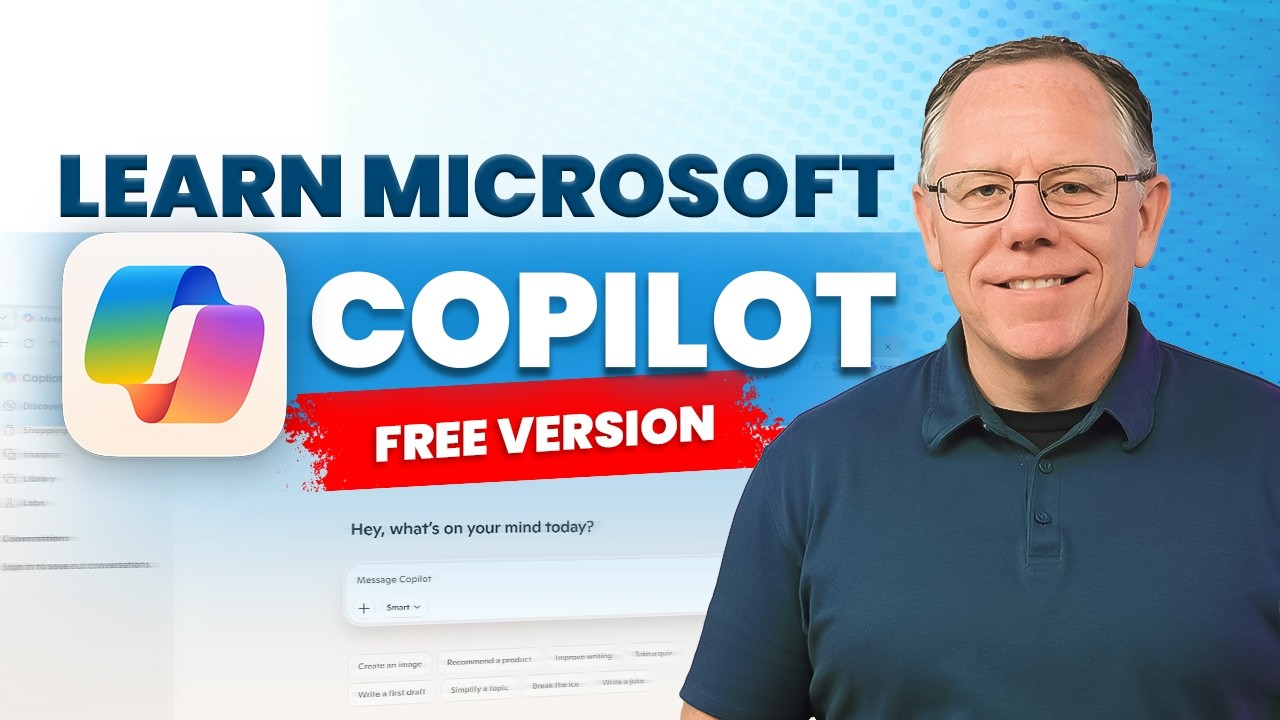
- Everyday questions with sources: ask in plain words and Copilot cites the pages it used. Kevin Stratvert's free-version tutorial shows how to fact-check an answer with its citations.
- Drafts and rewrites: emails, replies, short posts and summaries. The Learn lesson on emails has prompts that work in any chat app.
- Voice conversations: talk to Copilot instead of typing. Wikipedia lists Copilot Voice, which Microsoft made free with unlimited access in February 2025.
- Questions about a file: the free-version tutorial covers analyzing your own documents, including Word, Excel and PowerPoint files.
- Pictures from a prompt: describe a picture in words and Copilot draws it. The same tutorial shows how to generate text drafts and pictures.
- Saved chats and shared links: a December 2025 tutorial by Howfinity shows chat history, sharing a chat with a link and editing an answer on a page like a document.
When to use Microsoft Copilot, and when to pick another
| Your job | Use Microsoft Copilot? | Or try |
|---|---|---|
| A free everyday assistant on Windows, in Edge or on your phone | Yes. It sits in Microsoft's apps and has a free tier | ChatGPT, Gemini or Claude |
| Draft or summarize inside Word, Excel or Outlook for work | Not first. The work version is built for that | Microsoft 365 Copilot, signed in with your work account |
| Write or fix code in your editor | No | GitHub Copilot, Cursor or Claude Code |
| A long report with sources | Partly. Deep Research was in the 2025 app, but the August 2026 merger plan removes it | Perplexity or Gemini Deep Research |
| Answers only from your own documents | Not first | NotebookLM |
| Private files or client data | Not on the consumer app until you have read its privacy settings | Ollama or LM Studio, to run an open model on your own computer |
How to use Microsoft Copilot, step by step
Microsoft is redesigning Copilot, so these steps name the parts that stay put and ask you to follow the names on your screen for the rest.
- Open Copilot. Go to copilot.microsoft.com in a browser, or open the Copilot app. Wikipedia lists apps for Windows, macOS, Android and iOS.
- Sign in with a Microsoft account. Wikipedia says use is limited without one. Signing in also lets you save chats and return to them, which the free-version tutorial covers.
- Ask in plain words. Type in the message box and press Enter. Say what the answer is for, who will read it and how long it should be.
- Check the sources. Open the citations under the answer and read the passage behind any fact that matters.
- Pick how deep it thinks. Look near the message box for a choice such as Quick response or Think deeper, the two modes Microsoft's overview lists. Use the deeper one for harder questions.
- Add a file. Use the attach option in the message box to give Copilot a document, then ask about it. The tutorials show Word, Excel, PowerPoint and PDF files.
- Try voice. Start a voice conversation from the voice option and talk the way you would to a person.
Press Sign in at the top right and use your Microsoft account. Signing in lets you save chats and return to them.

Type your request in the Message Copilot box in the middle of the page and press Enter. Say what the answer is for, who will read it and how long it should be.

Choose how deep it thinks from the menu in the message box, Quick response for fast answers or Think deeper for harder questions.

Press the + at the left of the message box and choose Upload files to give Copilot a document, then ask about it.

AI-made illustrations of Microsoft Copilot's screens, drawn on 6 November 2026 to match these steps. They are not screenshots, so the real app may look different: follow what you see.
The tutorials at the top of this page show these steps on screen. Microsoft changes Copilot's layout often, so if a name differs, follow the one you see.
An example to try
Paste this into the message box. It has one job, one reader and a limit, and it asks Copilot to point out what you must verify.
I run a small bakery and need to tell customers that our opening hours change on 1 December.
Write a friendly email of three sentences. New hours: Tuesday to Sunday, 7 am to 3 pm. Closed on Monday.
Then list the two facts in the email I should double-check before I send it.- A good reply is three sentences long, friendly, and states the new hours the way you typed them.
- It lists the date and the hours as the two facts to check. Compare each one with your own notes, not with the draft.
- If your screen offers both modes, run the prompt once in Quick response and once in Think deeper, and compare how much each one changes your wording.
Tips for better results
- Give Copilot a role, a task, the context, the form and the tone. The Howfinity tutorial walks through that prompt formula.
- If an answer has no sources, ask for them, then open them.
- Keep one chat for one job, so earlier messages do not steer a new task.
- Look at the memory and connector settings before you switch them on. The Howfinity tutorial shows both, and they let Copilot see more of your own data.
Limits and privacy
Microsoft's own terms, as Wikipedia records them, say Copilot is for entertainment purposes only and that you should not rely on it for important advice. Treat legal, medical and money answers as a starting point, and check them with a professional or a primary source.
Features come and go. Wikipedia reports that Microsoft ended Copilot on WhatsApp on 15 January 2026, and that the merged app announced in August 2026 would remove Mico, Deep Research, group chats and other features. Check which of them your own app still has.
Privacy depends on the account. Microsoft Learn says that for Copilot at work, prompts, responses and data read through Microsoft Graph are not used to train models, and admins set how long they are kept. The consumer app has its own settings, so read them in the app, and read the lesson on AI privacy before you paste anything personal.
Learn more about Microsoft Copilot
- 2Which AI model should I use for my task?Which AI model should I use? Pick the assistant by your task and where your files live, then a fast or deep-thinking model, and test two on your own work.
- 1How to write emails with AI: prompts that workLearn how to write emails with AI: give the reader, the goal and the tone, ask for a draft, change it one step at a time and check every fact before you send.
- 3How to summarize a PDF with AI and check the summaryLearn how to summarize a PDF with AI: upload the file, say who it is for, ask for quotes and page numbers, then check the result against the page.
- 4Is it safe to use AI chatbots with personal data? What the apps keepIs it safe to use AI chatbots with personal data? See what the big apps say they keep, how to turn off training, and what never to paste into a chat.
Frequently asked questions
What is Microsoft Copilot?
It is Microsoft's AI assistant for everyday use, made by Microsoft AI. You use it at copilot.microsoft.com, in Edge, in Windows and in phone apps. It began as Bing Chat in February 2023.
Is Microsoft Copilot free?
Largely, yes. Wikipedia describes a freemium model where the free tier gives most features and paid subscriptions add priority access to newer ones. Plans change, so check the plan names in the app.
Is Microsoft Copilot the same as GitHub Copilot?
No. GitHub Copilot is a coding assistant for developers and has its own page on Learn. Microsoft Copilot is the general assistant, and Microsoft 365 Copilot is the work version inside the Office apps.
Is Microsoft Copilot the same as ChatGPT?
No, but they are related. Wikipedia says Copilot is built on Microsoft's Prometheus model, which uses OpenAI's GPT models, and its chat style resembles ChatGPT. Microsoft's application card for the work version also lists models from Anthropic.
Do I need a Microsoft account to use Copilot?
Use is limited without one, Wikipedia says. Sign in with a free Microsoft account for the full free experience, including saved chats.
Can Microsoft Copilot make pictures?
Yes. Copilot has made images since 2023, first as Bing Image Creator. The free-version tutorial by Kevin Stratvert shows how to generate pictures with a prompt.
Is Microsoft Copilot being replaced?
Microsoft announced in August 2026 that it will merge the consumer app with Microsoft 365 Copilot into one application. A September 2026 video shows Copilot Home, Autopilot and Office apps inside it. Expect names and buttons to change.
Sources
- Wikipedia: Microsoft Copilot https://en.wikipedia.org/wiki/Microsoft_Copilot
- Microsoft Learn: What is Microsoft Copilot? https://learn.microsoft.com/en-us/copilot/plan/copilot-overview
- Microsoft Learn: Data, privacy, and security for Microsoft Copilot https://learn.microsoft.com/en-us/copilot/plan/microsoft-365-copilot-privacy
- Microsoft Learn: Application card, Microsoft Copilot (for organizations) https://learn.microsoft.com/en-us/copilot/plan/microsoft-365-copilot-application-card
- YouTube: Kevin Stratvert, Microsoft Copilot (Free Version) – Complete Tutorial https://www.youtube.com/watch?v=xaCdAFyQ3_w
- YouTube: Howfinity, How to Use Microsoft Copilot - 2026 Beginner's Guide https://www.youtube.com/watch?v=Ysu7rR6S200
- YouTube: Lisa Crosbie, Microsoft Copilot vs Copilot Chat vs M365 Copilot - What's the Difference? https://www.youtube.com/watch?v=uca0mKLHq3w
- YouTube: Kevin Stratvert, Microsoft Copilot Just Got a Massive Upgrade https://www.youtube.com/watch?v=KJ8Y2Nb9y9o