
Import a JSON file, step by step
You need the .json file saved on your computer. If it lives online instead, choose Import from URL in the same menu.
- Open a new, empty workflow in n8n, so the imported nodes don't land among ones already there.
- Click the three dots in the canvas header to open the Workflow menu.
- Choose Import from File and pick the
.jsonfile on your computer. A Mindket download is a zip: unzip it and pick theworkflow.jsoninside. - Open each node that connects to an outside service. Pick a credential from its list or create one right there, and n8n tests it when you save.
- Swap out any placeholder the author left in a node, such as an account name inside a URL.
- Run the workflow from the editor with Ctrl+Enter, or Cmd+Enter on a Mac. Fix whichever node fails.
- Press Publish in the canvas header, or Shift+P, to put the workflow into production. Form and webhook triggers switch to their production URLs at that moment (save and publish page), so a form you tested gets a new address.
Where an imported workflow goes wrong
An exported workflow keeps each credential's name and ID, while the key behind it stays encrypted in the author's database, as n8n's export page explains. Our explainer on n8n covers that storage, and the credentials page shows how to create each type from a node's own list.
In Mindket's photo to video workflow, the node that calls a sub-workflow pointed at a workflow in its author's own n8n. After import that field is empty, and n8n marks the node red until you pick a sub-workflow of your own.
A node that points at a folder, a spreadsheet or a channel in the author's account fails more quietly. Nothing on it is blank: the field still names the author's resource, and the credential type matches.
An HTTP Request node imported from cURL may carry its authentication headers too, so a shared file can still hold the author's header. Replace it with your own credential.
Read the URL in any MCP Client Tool node as well. That node connects the agent to an outside MCP server, and whatever the agent sends to that server's tools goes to this address. Find out who runs that server and what its tools do with what they receive, as you would before installing any MCP server.
Import from a URL, the clipboard or the command line
Import from URL wants an address that returns the JSON file itself, as in the docs' example of a JSON file on GitHub. A web page about a workflow won't do, and neither will a zip. On GitHub, use the link that serves the bare file rather than the page that displays it, which is the file's Raw link.
The clipboard moves nodes between two editors. Select every node with Ctrl+A, copy with Ctrl+C and paste into the other workflow with Ctrl+V. On a Mac, n8n's shortcuts use Cmd in place of Ctrl. For part of a workflow, drag a box around the nodes you want before you copy.
A self-hosted n8n also imports from the command line. That import overwrites any workflow or credential whose ID is already in your database. By default, import:workflow deactivates every workflow it imports, and publishing takes a second command with the workflow's ID. In Docker, put docker exec -u node -it and your container's name in front of each one:
n8n import:workflow --input=file.json
n8n publish:workflow --id=<ID>| Import from File Our pick | Import from URL | Copy and paste | Command line | |
|---|---|---|---|---|
| Best when | The JSON is a file on your computer | The JSON sits online as a bare file | You move a few nodes between editors | You self-host n8n and want a script |
| Starts from the Workflow menu | Yes | Yes | No | No |
| Takes only the nodes you select | No | No | Yes | No |
Our pick: Import from File. It needs no terminal, and the file doesn't have to be online first.
Source: n8n Docs: Export and import (read November 3, 2026)
Export a workflow to share it
Download in the Workflow menu saves a workflow as a JSON file. Before you send it, remove or anonymize the credential names, as n8n's export page asks. IDs aren't sensitive, but a name can be, depending on what you called the credential. Strip the authentication header from any HTTP Request node that came from cURL, and your account name from any URL in those nodes.
For many workflows at once, n8n recommends its CLI. Its package commands bundle workflows with their folders, projects and references into one portable .n8np file. Packages are in Preview and may change. The older server commands for export and import will be deprecated, with no date set yet.
Where workflows to import come from
Each workflow under n8n workflows on Mindket comes as files, not an install. Press Get it on your Mindket account and you download a zip holding workflow.json and a README.md with setup notes. Before a workflow is listed, every credential and the author's own IDs are taken out of the JSON.
The page's Integrations block names each app the workflow connects and what you need from it, so you know which keys to get before you download. For the photo to video workflow, that's a Cloudinary upload preset, a Gemini API key, an OpenRouter key and a Kie.ai key.
Workflow JSON also comes from n8n's own template library, and a vendor can publish its own. TinyFish open-sourced workflow templates for its web agent node, and its post says to import and go.
6,000+
workflow templates, in n8n's own post on X on 10 October 2025
Source: n8n on X: 6,000 workflow templates (read November 3, 2026)
9,000+
workflow templates, per the README of n8n's repository on 3 November 2026
Source: GitHub: n8n-io/n8n (read November 3, 2026)
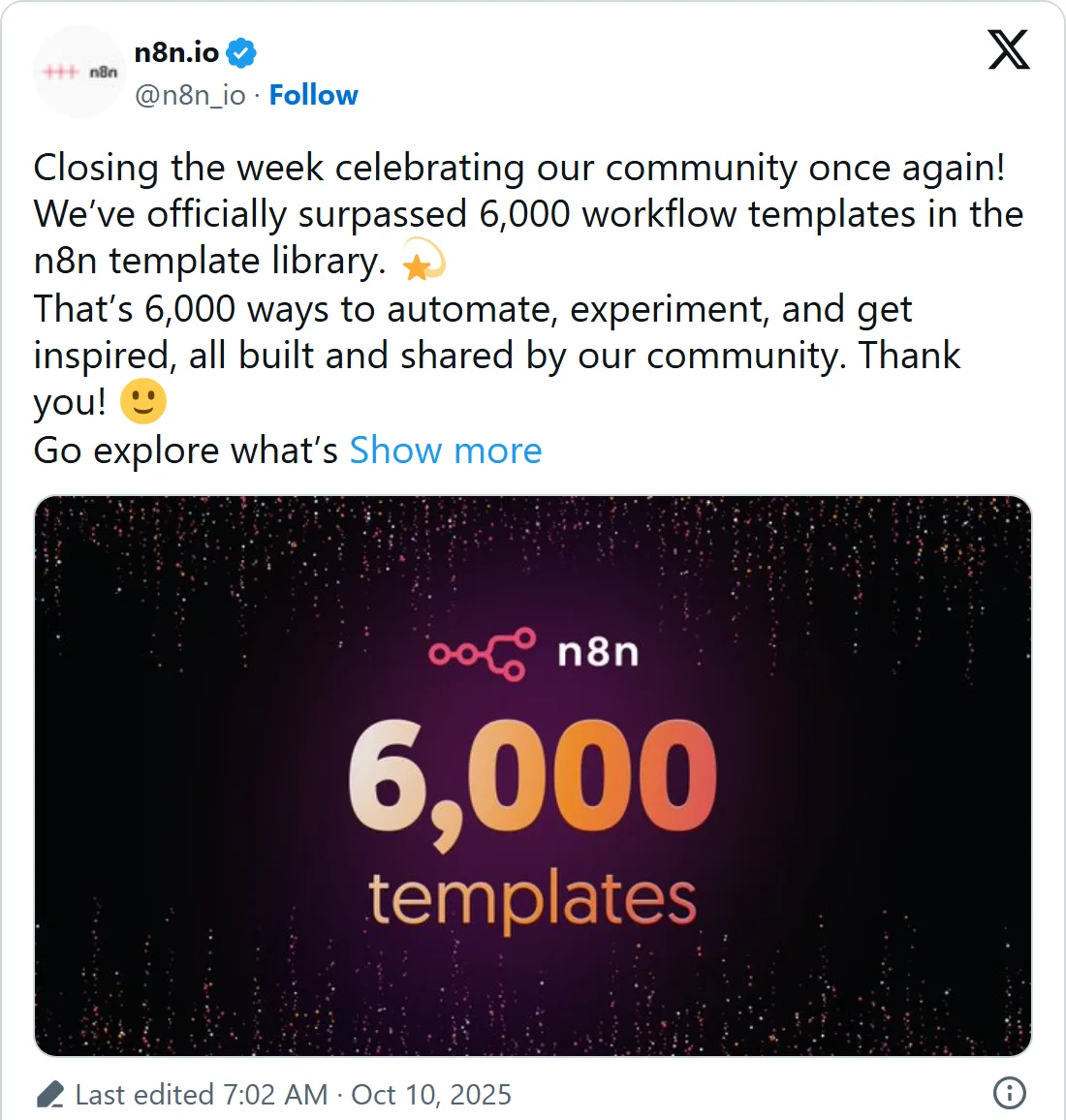
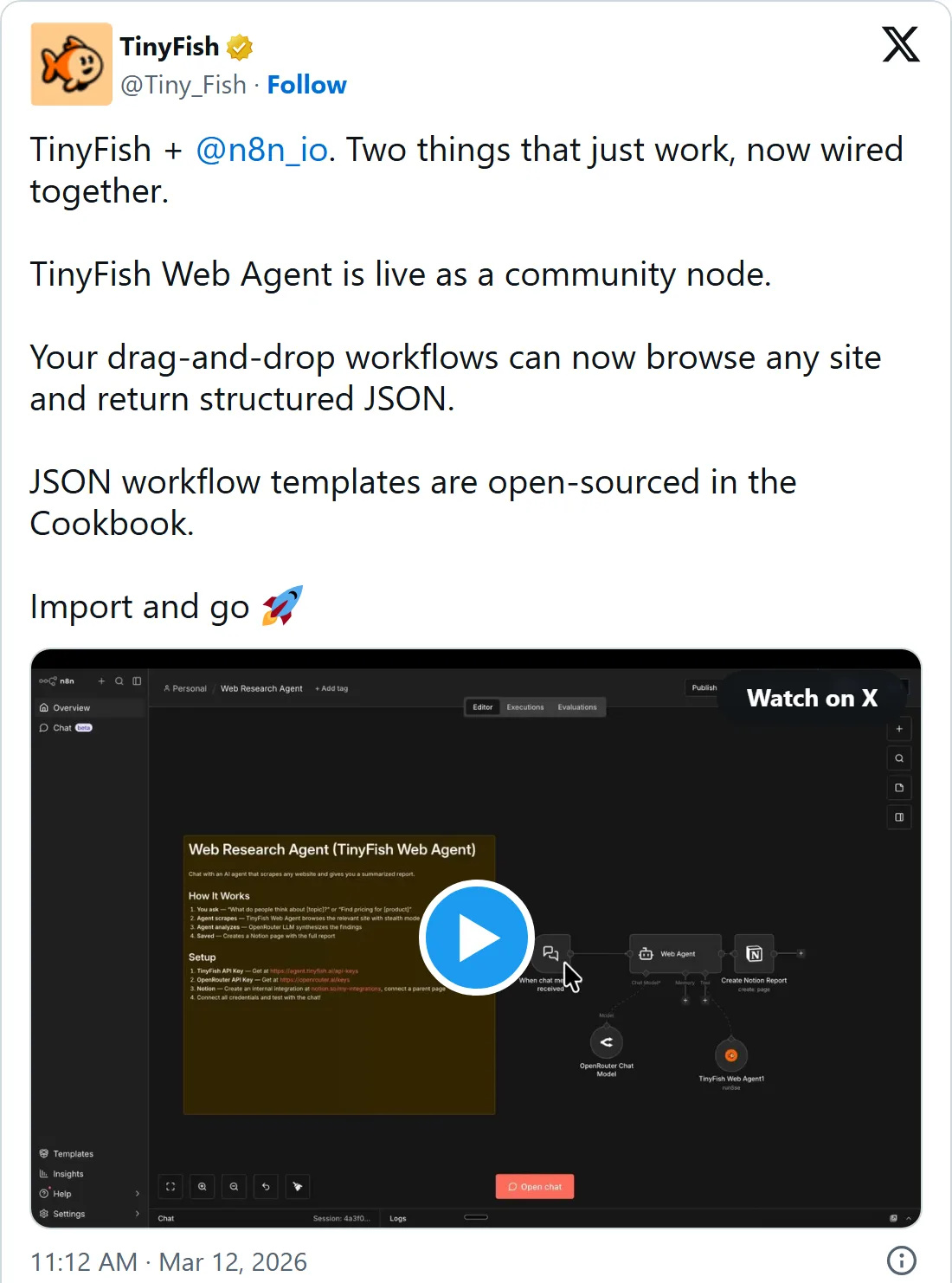
Both are screenshots of X's own embed, so their times are US Pacific time. Select one to open the post on X.
Frequently asked questions
Will an imported workflow start running on its own?
No. It stays a draft until you publish it, and its schedules and production webhooks start only then. Tests you run from the editor are manual executions, which n8n keeps apart from production runs.
Can I import a template from n8n.io?
Yes. The Templates icon in n8n opens the template library on n8n's website, and each template page has a Use for free button. The docs say a template may need credentials and changes to its configuration before it works. Some pages also state a minimum version. The AI agent chat template, for one, asks for n8n 1.50.0 or later.
How do I move credentials between two of my own n8n instances?
Give the second instance the same encryption key as the first, or bring a decrypted export made with n8n export:credentials --all --decrypted --output=backups/decrypted.json. The backup guide warns that such a file holds every credential in plain text. Delete it once the restore is done.
Can I import a workflow through the n8n API?
Yes. n8n's export page sends a single workflow to the workflow endpoints of its API, and many workflows to the CLI. The API route fits a script that copies workflows between two instances.
Sources
- n8n Docs: Export and import https://docs.n8n.io/build/manage-workflows/export-and-import
- n8n Docs: Create and edit credentials https://docs.n8n.io/build/understand-workflows/create-and-edit-credentials
- n8n Docs: Save and publish workflows https://docs.n8n.io/build/understand-workflows/save-and-publish-workflows
- n8n Docs: Keyboard shortcuts https://docs.n8n.io/build/keyboard-shortcuts
- n8n Docs: Use the command line https://docs.n8n.io/deploy/host-n8n/configure-n8n/use-the-command-line
- n8n Docs: Back up and restore https://docs.n8n.io/deploy/host-n8n/keep-n8n-running/backup-and-restore
- n8n Docs: Use templates https://docs.n8n.io/build/ways-of-building-workflows/use-templates
- n8n template: AI agent chat https://n8n.io/workflows/1954-ai-agent-chat/
- n8n Docs: MCP servers https://docs.n8n.io/build/integrate-ai/mcp-servers
- n8n Docs: Understand executions https://docs.n8n.io/build/understand-workflows/understand-executions
- GitHub: n8n-io/n8n https://github.com/n8n-io/n8n
- n8n on X: 6,000 workflow templates https://x.com/n8n_io/status/1976649603580608692
- TinyFish on X: Web Agent community node and JSON templates https://x.com/Tiny_Fish/status/2032157720414208364