Who qualifies, and what can rule you out
Codex is OpenAI's coding agent, and a paid ChatGPT plan doesn't stop you claiming. On OpenAI's terms page, the common reasons a claim fails are a failed student check, a location outside the eligible region, and a school or program outside the eligible types.
- That last one is vague. The wording is "degree-granting universities" and no list of schools is given, so a short course or a bootcamp is a risk. Check that yours leads to a degree before you count on the credits.
- Each student gets the offer once, so a claim on another account counts too. SheerID ties the check to your name, school and date of birth rather than your email. A second account with the same details can show "Verification Limit Exceeded", and OpenAI cannot reset the check or move your eligibility.
- An API key alone is not eligible. Codex cloud features need a ChatGPT sign-in.
- The offer cannot be shared, transferred or sold, and the service credit terms warn that trying can end in revoked credits or a suspended account.
How to claim the credits
- Read the rules on OpenAI's terms page, and make sure you can open your university email.
- Pick the ChatGPT account that will hold the credits. A personal account works, and its sign-in email can differ from your university email, which only SheerID uses. If you have none, make one at chatgpt.com first.
- Open the students page and press Claim now, which leads to the claim page. Sign in with that account when it asks.
- Verify through SheerID with your university email, once, on the account from step 2.
- Open the usage page for your personal workspace and check that the credits are there. They are added automatically once verification passes.
- If the page shows nothing, or SheerID keeps sending you back, sign in with the account you first verified on and return to the claim page. If the SheerID check itself fails, contact SheerID, as OpenAI's terms say. Once you are verified, write to OpenAI Support and name the last step you finished.
- Sign in to Codex with the same account and start with a small task, such as the one below.
Last checked on 4 November 2026 against OpenAI's pages under Sources, when the terms page showed an update from about 20 hours earlier. Mindket did not claim the offer, so steps 3 to 6 follow OpenAI's pages rather than a claim we made.
What the credits are, and how far they go
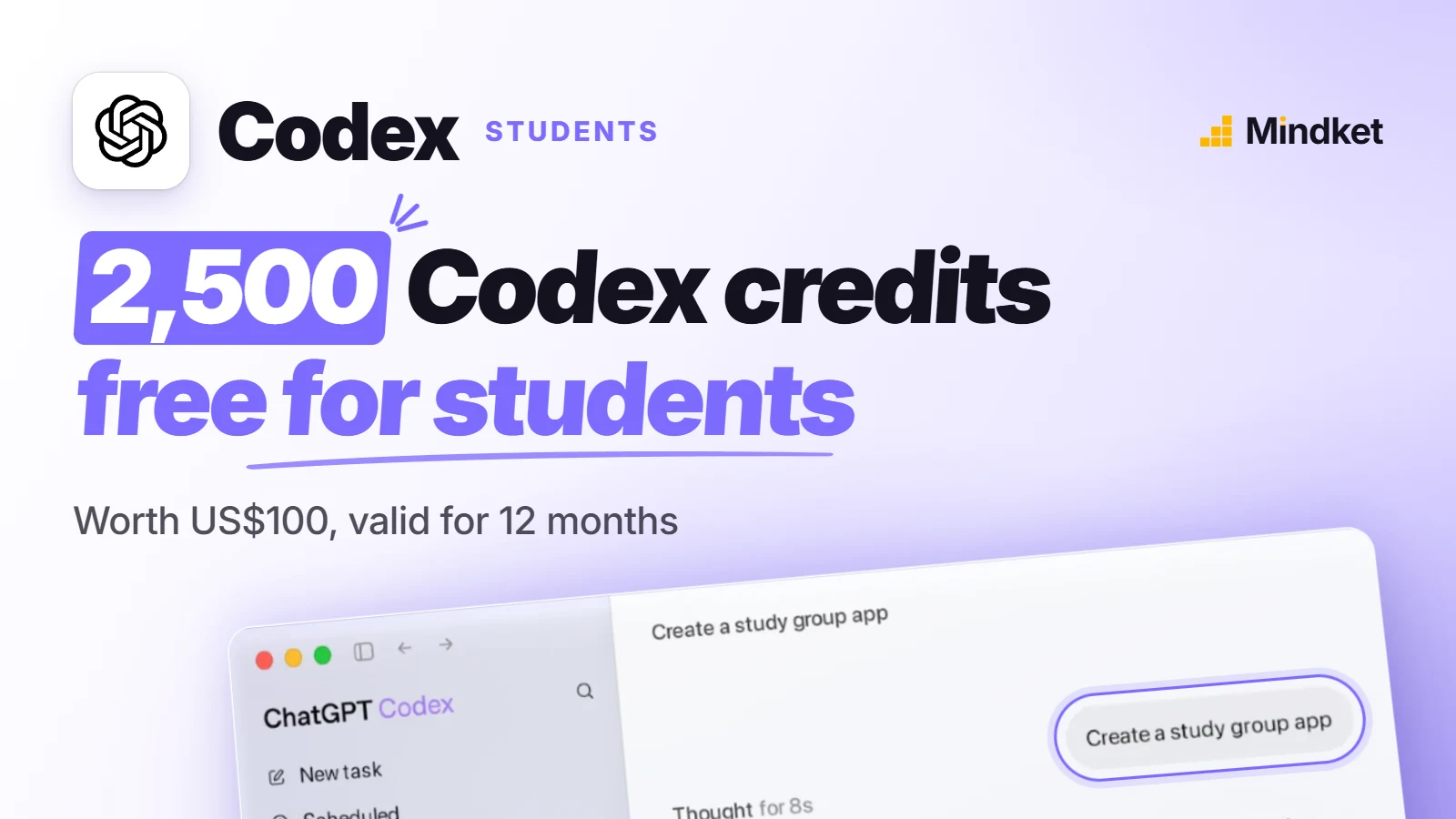
The students page states the offer in dollars, and your usage page counts it in credits. OpenAI's pricing page puts a typical GPT-5.6 Sol task at 2 to 15 credits, which by our arithmetic makes the grant worth roughly 170 to 1,250 such tasks. That model is on promotional pricing at least through 21 November 2026, and the estimate may move once it ends.
On the same page's rate table, GPT-6 Luna takes 2.5 credits per million input tokens and GPT-6.1 Sol takes 50.
No. These are ChatGPT credits that can be used to extend Codex usage beyond the limits included in your ChatGPT plan.
Where you can spend them
On a Free or Go plan, start in the ChatGPT desktop app for macOS, Windows or Linux, where you choose ChatGPT or Codex. It's the only place OpenAI's pricing page lists Codex for those two plans, on the GPT-6 Luna model and subject to rollout. The CLI, the IDE extension, the web and iOS appear under Plus, and the page is silent on whether Free or Go accounts can spend these credits there.
- The CLI. Install it with
npm install -g @openai/codex, runcodexin a project folder and choose Sign in with ChatGPT. The CLI page has the other installers. - The IDE extension for VS Code, Cursor and Windsurf. Xcode and JetBrains IDEs have their own Codex integrations.
- Codex cloud, which runs tasks against your GitHub repositories. You start them from ChatGPT on the web, on mobile or in the desktop app, and review the changes after.
A first Codex task to try
The prompt below asks Codex to add input checks to the signup form of a course project. That change is small enough to read line by line, and Git undoes it if it goes wrong. OpenAI's CLI and IDE pages both advise a Git checkpoint before and after a task.
The prompt assumes a React and TypeScript project tested with npm test, so swap in your own file path, stack and test command. Nothing in it depends on which Codex app you use. Keep your edited copy as a Codex skill and you won't retype it for the next form.
You are working on my course project in this repository. I am a student, so keep the changes small and explain what you do.

Goal: add input checks to the signup form. A bad email, a password shorter than 12 characters or an empty name must show a clear message under the field and stop the form from submitting.

Context: the form lives in src/components/SignupForm.tsx. The project uses React, TypeScript and plain CSS. Tests run with npm test.

Work in this order:
1. Read the code that touches the form and tell me how it works in five lines or fewer. Do not edit anything yet.
2. Propose a plan of at most five steps, then stop and wait for me to say "go".
3. After "go", make the change in as few files as possible. Do not add packages.
4. Add two tests for the new rules, then run npm test and the linter. If a check fails, fix it, or stop and tell me why.

Rules: only touch files under src/ and tests/. Do not delete files, rewrite Git history or commit anything. If something is unclear, ask me one question instead of guessing.

When you finish, report: the files you changed, what each change does in one line, the test result, and anything you are unsure about.- Read the summary from step 1, five lines at most, before anything changes. It costs little, and a wrong summary means Codex misread the form.
- Send back any plan that adds a package or touches a file outside src/ and tests/.
Frequently asked questions
Is the Codex student offer free?
Yes. Claiming costs nothing and the terms describe no purchase. Once these credits run out, OpenAI lets you buy more, and its pricing page names Plus and Pro for that.
Do the credits work in a ChatGPT Edu or Business workspace?
Unconfirmed. The credits land in your personal workspace, and OpenAI's pages never mention Business, Enterprise or Edu plans.
When does the offer end?
OpenAI hasn't said. Neither offer page named an end date when we read them on 4 November 2026.
How do I make the credits go further?
Spend fewer tokens. OpenAI's tips for making Codex limits last are to keep prompts tight, give only the files that matter, trim a long AGENTS.md and switch off MCP servers you aren't using.
Can I get cash or a refund for credits I don't use?
No. OpenAI's service credit terms say credits are not cash and not refundable, and OpenAI may change those terms at any time by posting a new version.
Sources
- OpenAI: Codex for university students https://chatgpt.com/codex/students
- OpenAI Help Center: Codex credits for Students, Terms of Service https://help.openai.com/en/articles/20001147-codex-credits-for-students-terms-of-service
- OpenAI: Service credit terms https://openai.com/policies/service-credit-terms/
- OpenAI Codex docs: Pricing https://learn.chatgpt.com/docs/pricing
- OpenAI Codex docs: Codex CLI https://learn.chatgpt.com/docs/codex/cli
- OpenAI Codex docs: Codex IDE extension https://learn.chatgpt.com/docs/codex/ide
- OpenAI Codex docs: Codex Cloud https://learn.chatgpt.com/docs/cloud
- OpenAI Codex docs: ChatGPT desktop app https://learn.chatgpt.com/docs/app