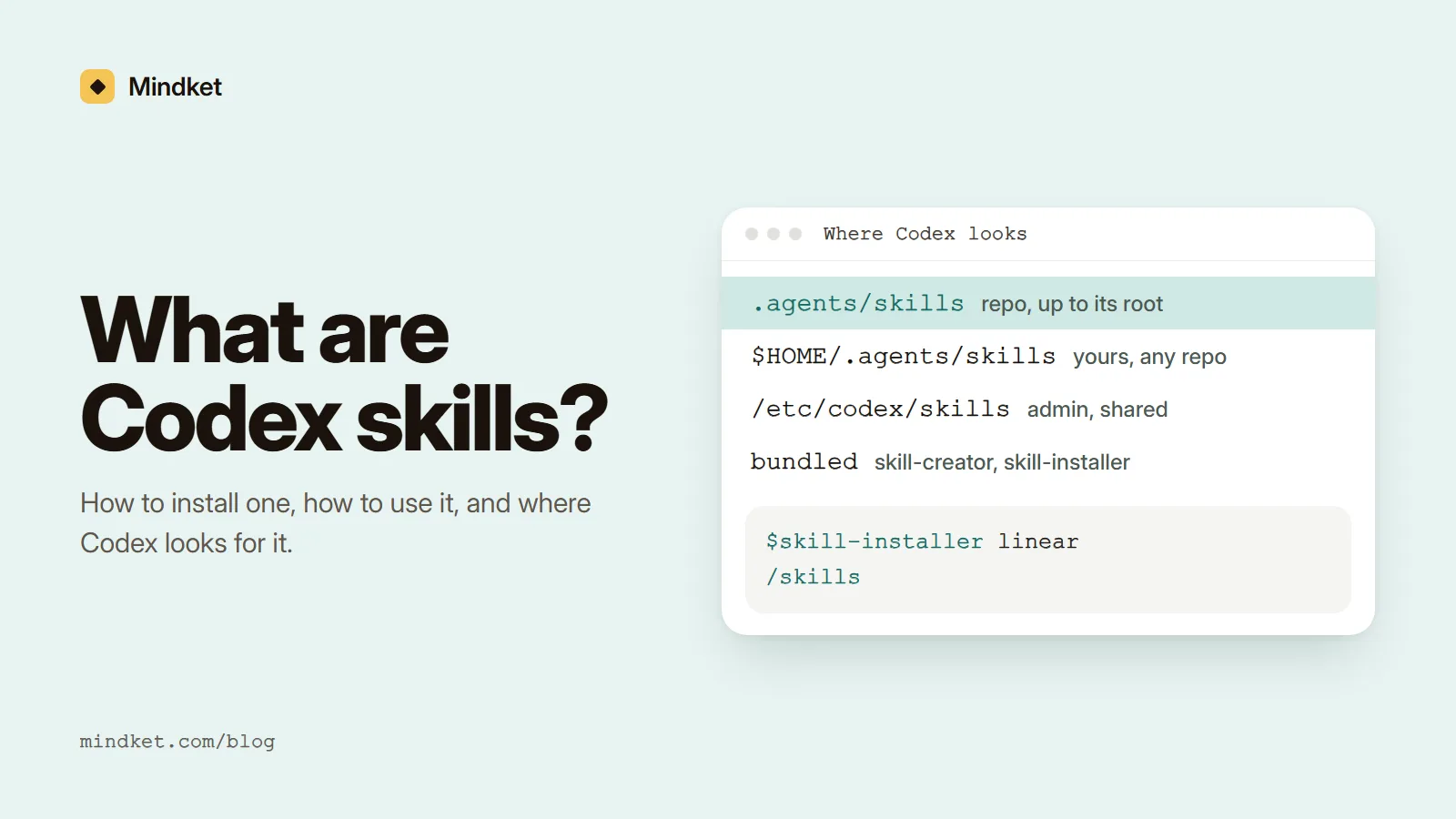
Install a Codex skill with the skill installer
Codex installs skills with a skill of its own. You type a $skill-installer line inside Codex, and the installer fetches the folder.
The short names, such as linear, come from OpenAI's openai/skills repository. Its README now opens with a deprecation notice that points to OpenAI's plugins repository for current examples, but the install commands below were still in it when we read it on November 3, 2026.
$skill-installer linear
$skill-installer gh-address-comments
$skill-installer install the create-plan skill from the .experimental folder
$skill-installer install https://github.com/openai/skills/tree/main/skills/.experimental/create-plan- Start Codex in the project where you want the skill.
- Type one of the lines above. A bare name installs from the curated folder, and a GitHub URL installs the folder it points to.
- Read what Codex reports. The installer stops if a skill with that name is already in its folder, and it tells you the skill is available on your next turn.
- If the skill doesn't appear, restart Codex. The README asks for a restart after every install, though the build guide says Codex usually picks up new skills by itself.
- Run
/skillsor type$to mention the new skill by name.
Still missing after a restart? The installer's own SKILL.md puts each skill under $CODEX_HOME/skills, ~/.codex/skills by default. The build guide's table doesn't list that folder, and none of the pages we read says Codex scans it, so the skill may sit where Codex doesn't look. Copy it into $HOME/.agents/skills, the personal location the guide documents. The post above is X's own embed, shown without its video.
What is inside a Codex skill
Only SKILL.md is required, and it must carry a name and a description. Every other part of the layout in OpenAI's Build skills guide is optional, from scripts to an agents/openai.yaml.
OpenAI's name for Codex's two-step reading is progressive disclosure. Until a task calls for a skill, Codex holds only its name, description and file path. The open standard behind it counts three stages: discovery, activation and execution.
my-skill/
├── SKILL.md         Required: instructions + metadata
├── scripts/         Optional: executable code
├── references/      Optional: documentation
├── assets/          Optional: templates, resources
└── agents/
└── openai.yaml Optional: appearance and dependenciesClaude gets Skills
Claude's own account posted that Claude can now use Skills, packaged instructions that teach it your way of working.
Source: Claude on X (read November 3, 2026)
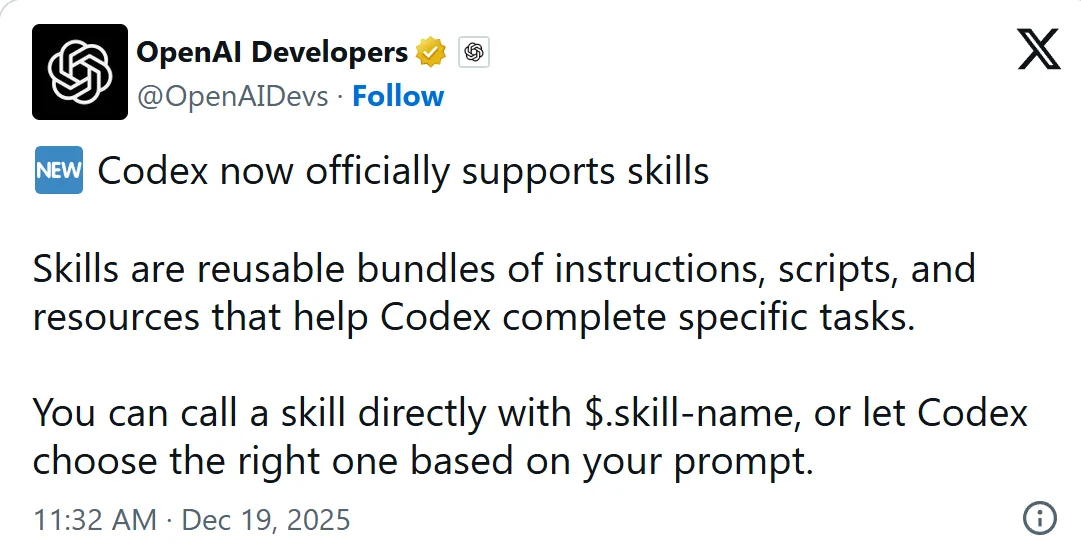
Codex officially supports skills
OpenAI Developers called them reusable bundles of instructions, scripts and resources, which you call with
$or let Codex choose from your prompt.Source: OpenAI Developers on X (read November 3, 2026)
agents/openai.yaml is the optional metadata file: a display name and icon for the ChatGPT desktop app, an invocation policy, and the tools the skill depends on.
Use a skill, and what to check when Codex ignores it
Codex picks a skill by itself when your task fits its description, which OpenAI calls implicit invocation. Naming it with $ in Codex CLI or the IDE extension, explicit invocation, skips the match.
Put the main use case and the words a user would say at the front of the description, since implicit matching depends on that one line. Say where the skill stops, too: a skill that writes PR descriptions can state that it doesn't review code. Codex may shorten a long description, and the part that survives still has to match.
2%
of the model's context window is the most the starting list of skills may use
Source: ChatGPT Learn: Build skills (read November 3, 2026)
8,000
characters is the budget when the window size is unknown
Source: ChatGPT Learn: Build skills (read November 3, 2026)
10,000
tokens is the most skills.max_context_tokens can set in their place
Source: ChatGPT Learn: Build skills (read November 3, 2026)
- Codex never picks the skill: rewrite the description, then try prompts that should match and prompts that shouldn't.
- The skill runs only when you mention it: look for
allow_implicit_invocation: falsein itsagents/openai.yaml. That setting turns off matching and leaves$skillworking. - Skills go missing after you install many: the starting list gets at most 2% of the model's context window, or 8,000 characters when the window size is unknown. Codex shortens descriptions first and, for large sets, may leave skills out and show a warning.
skills.max_context_tokenssets another budget, up to 10,000 tokens.
Write a skill of your own
By hand, a skill is one folder and one file. The open specification sets the rules: the name must match the folder, use lowercase letters, numbers and hyphens, and stay within 64 characters, and the description may run to 1,024. OpenAI also asks for one job per skill and imperative steps with explicit inputs and outputs.
Record & Replay drafts a skill from a workflow you demonstrate. $skill-creator, the built-in creator, asks what the skill does, when it should trigger, and whether it stays instruction-only or includes scripts.
---
name: writing-pr-descriptions
description: Writes a pull request description from the current branch's changes. Use when the user asks for a PR description, a PR summary or what to put in a pull request.
---

# Writing PR descriptions

1. Run git diff main...HEAD --stat, then read the changed files.
2. Open with one sentence on what changed and why.
3. List the areas touched, one line each.
4. End with how to test it. If the diff adds no tests, say so.

Never invent an issue number. If the branch name has none, ask for it.
- Create
.agents/skills/writing-pr-descriptionsin your repository, or$HOME/.agents/skills/writing-pr-descriptionsfor a personal skill. - Save the sample as
SKILL.mdinside it. - Check that Codex lists it: run
/skillsor type$. - Try "write a PR description for this branch", which should match, and "review this diff", which shouldn't. If the second one loads the skill, the description reaches too far.
For a finished skill to read, the guide points to gh-fix-ci. Its folder holds SKILL.md beside agents/, assets/ and scripts/, plus a LICENSE.txt, and its description opens "Use when a user asks to debug or fix failing GitHub PR checks that run in GitHub Actions".
Where to find Codex skills, and how to share yours
Any repository can be a source, since the installer takes any GitHub folder URL. That is also the risk. A skill can bundle scripts, so read SKILL.md and everything in scripts/ before you install one from a stranger. Its license sits in a LICENSE.txt in the skill's own folder, per the README.
A deprecated repository like openai/skills can stop changing at any time. A copy saved in your own repository's .agents/skills doesn't depend on it, and it reaches anyone who works in that repository.
When a skill has to work outside the repository it lives in, OpenAI recommends packaging it as a plugin, which can bundle two or more skills or ship one next to a connector.
OpenAI's examples sit in openai/plugins, one folder per plugin under plugins/, with any skills in a skills/ folder next to the MCP configuration. The smallest, the example in OpenAI's plugin guide, is a folder with a plugin.json and one skill at skills/hello/SKILL.md. To add a GitHub repository as a plugin marketplace, run codex plugin marketplace add owner/repo. Public plugins also show up in a directory shared with ChatGPT and in the plugin browser in Codex CLI.
Mindket, an independent store not affiliated with OpenAI, lists skills as kits: zipped folders of text files for AI tools, so a kit built for Codex unzips into .agents/skills. Its skills page holds something else, prompt skills you paste into an AI chat.
We read every page linked here and listed under Sources on November 3, 2026, and Mindket's own pages for what Mindket does. Nothing here was tested hands-on, and the sample skill was written for this guide. A deprecation notice or a folder listing can change after that day.
Reference: where Codex looks for skills
Codex reads skills from repository, user, admin and system locations. Inside a Git repository it scans .agents/skills in every folder from where you launched Codex up to the repository root. A skill for one microservice can sit beside that service, and a skill for the whole team sits at the root.
| Scope | Location | What it is for |
|---|---|---|
| REPO | $CWD/.agents/skills | The folder where you launch Codex. Skills for one microservice or module. |
| REPO | $CWD/../.agents/skills | A folder above it, when you launch inside a Git repository. A shared area in a parent folder. |
| REPO | $REPO_ROOT/.agents/skills | The repository's topmost folder. Root skills, available to every subfolder. |
| USER | $HOME/.agents/skills | Your personal skills, for any repository you work in. |
| ADMIN | /etc/codex/skills | A shared system location on a machine or container, for SDK scripts, automation and default admin skills. |
| SYSTEM | Bundled with Codex | skill-creator and skill-installer, enabled by default. |
Two skills with the same name aren't merged: both can appear in the skill selectors. Codex also follows symlinked skill folders, so one copy can serve several projects.
Frequently asked questions
Can Codex use a skill written for Claude Code?
Usually, because Codex skills build on the same open Agent Skills format, and the standard is meant to let one skill work in any compatible agent. Each product scans its own folders, though, so move the folder to where Codex looks. Fields only one product reads are the risk: the specification marks allowed-tools experimental and says support varies between agents.
What is the difference between a skill and a plugin in Codex?
A plugin is an installable package that can carry MCP servers, hooks and presentation assets beside one or more skills. OpenAI suggests one once a skill's instructions need connected services or other tools beside them.
Do Codex skills work in the ChatGPT app?
In the ChatGPT desktop app, yes: standalone skills run there, and the Skills entry in its sidebar shows the ones created across your projects. Skills bundled in a plugin also work in Chat and Work on ChatGPT's web, desktop and mobile versions. The IDE extension doesn't support plugins, so a skill that has to work there should stay a plain folder.
How do I turn a skill off without deleting it?
Add a [[skills.config]] entry to ~/.codex/config.toml with the path to the skill's SKILL.md and enabled = false. Use exactly one selector per entry, a path or a name, and when several entries match, the last one wins. Restart Codex afterwards. To turn off the bundled system skills for one project, set enabled = false under [skills.bundled] in its trusted .codex/config.toml.
Which skills come with Codex?
OpenAI's build guide names two, skill-creator and skill-installer, enabled by default. The .system folder of the openai/skills repository lists three more, imagegen, openai-docs and plugin-creator, when we read it, and the README says skills in that folder install automatically in the latest Codex.
Can a Codex skill run scripts?
Yes. A skill folder can hold a scripts/ directory of executable code, and its SKILL.md can tell Codex to run it, as OpenAI's gh-fix-ci skill does with a Python script. OpenAI's advice is to prefer instructions unless you need deterministic behavior or external tooling, and $skill-creator stays instruction-only unless you ask for scripts.
Sources
- ChatGPT Learn: Build skills https://learn.chatgpt.com/docs/build-skills
- ChatGPT Learn: Skills & Plugins https://learn.chatgpt.com/docs/skills-and-plugins
- ChatGPT Learn: Plugins https://learn.chatgpt.com/docs/plugins
- ChatGPT Learn: Skill controls https://learn.chatgpt.com/docs/enterprise/skills
- OpenAI Developers: Package your plugin https://developers.openai.com/plugins/build/plugins
- GitHub: openai/skills README https://github.com/openai/skills
- GitHub: openai/skills skill-installer SKILL.md https://github.com/openai/skills/blob/main/skills/.system/skill-installer/SKILL.md
- GitHub: openai/skills .system folder https://github.com/openai/skills/tree/main/skills/.system
- GitHub: openai/skills .curated folder https://github.com/openai/skills/tree/main/skills/.curated
- GitHub: openai/skills gh-fix-ci https://github.com/openai/skills/tree/main/skills/.curated/gh-fix-ci
- GitHub: openai/plugins README https://github.com/openai/plugins
- Agent Skills specification https://agentskills.io/specification
- Agent Skills overview https://agentskills.io/home
- Claude on X: Claude can now use Skills https://x.com/claudeai/status/1978855432123723909
- OpenAI Developers on X: Codex now officially supports skills https://x.com/OpenAIDevs/status/2002099762536010235