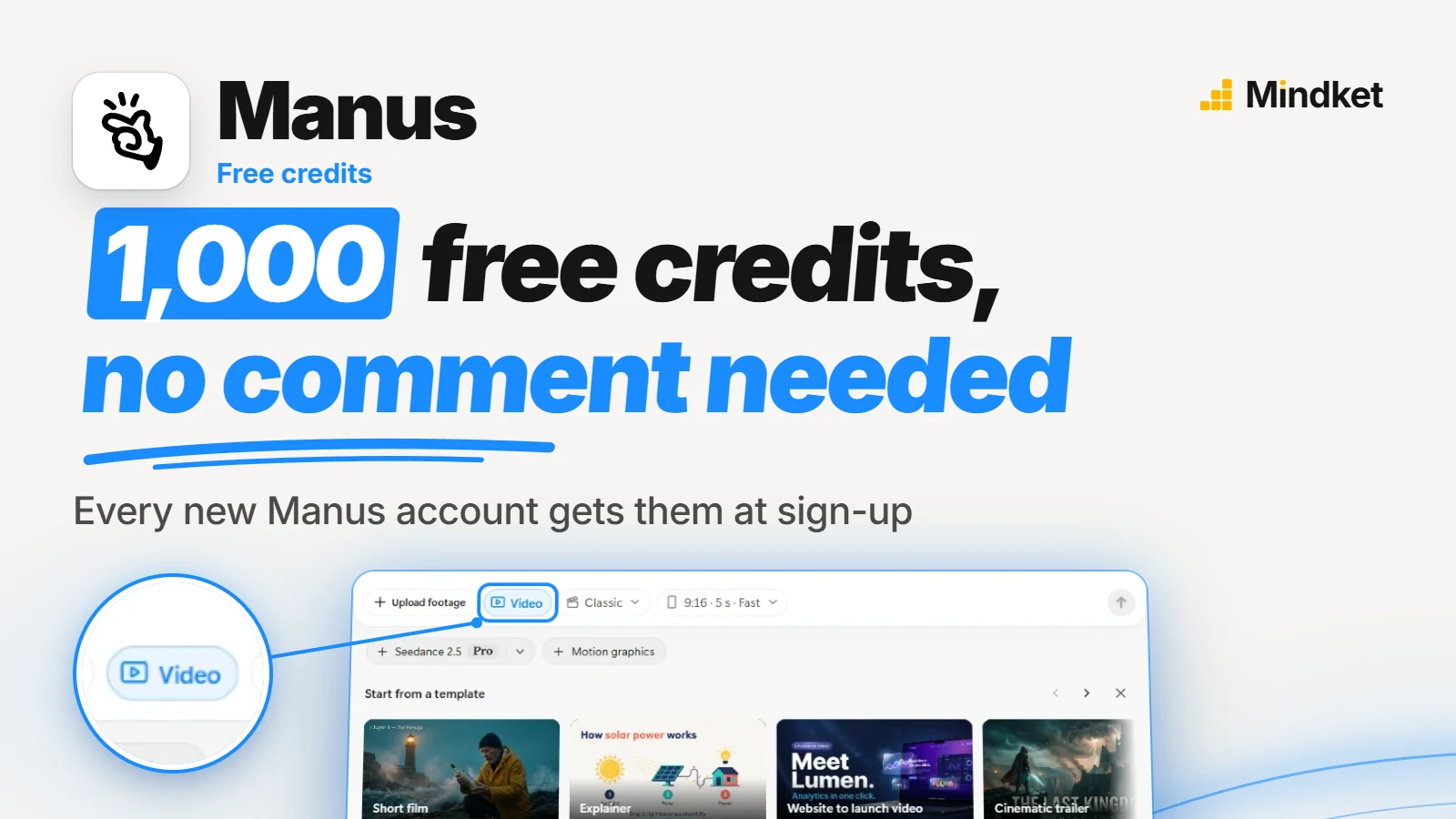
Where the free credits come from
A Cantonese post doing the rounds on social media offers "free 1000 credit" and a tutorial pack to anyone who comments "Manus". It rates Manus top tier for editing and pacing and praises its Cantonese subtitles and sound effects, and its tags mark it as a Manus partner post. Manus's help center describes the same credits with no comment, code or link involved:
For free users, we provide 1,000 credits to every new user upon registration, and 300 daily credits will be refreshed for free every day.
The bonus is not new. The help article, dated 5 December 2025, shows a screenshot of Manus's 11 May 2025 announcement of the same one-time bonus. It sets no end date, though Manus says its pricing may change. Referral bonuses get a mention with no amount attached. Commenting on the post earns the creator's tutorial pack, not anything Manus promises.
What a free account's credits pay for, and the plans after them
The sign-up grant counts as free credits in Manus's rules: they never expire and are spent after every other kind.
Daily credits only work in Lite mode, which Manus's pricing article pitches at quick answers to simple questions, and no page says which mode a video task runs in. They refresh on UTC time, and a free account can spend 1,500 of them a month at most.
The cheapest paid plan comes with 4,000 credits a month. Manus's pricing article lists a 7-day free trial on the second plan, but the pricing page itself shows none. Look for it at checkout before you count on it.
1,000
free credits at sign-up, given once
Source: Manus help center: discounts and special offers (read November 4, 2026)
300
credits a day on the free plan, refreshed daily
Source: Manus help center: current membership pricing (read November 4, 2026)
1,500
daily credits a free account can spend in a month
Source: Manus help center: rules for credits consumption (read November 4, 2026)
- Credits go only while a task is working. Storing what it made costs nothing.
- Manus charges each action when the next one starts, so a task's last action can take the balance a little below zero. That settles at the next refresh, and no new task starts until then.
| Plan card | Price on 4 November 2026 | Credits |
|---|---|---|
| Free | $0 | The sign-up and daily credits above |
| Standard monthly usage | $20 a month | 4,000 a month |
| Customizable monthly usage | $40 a month | 8,000 a month, with a menu for more |
| Extended usage for productivity | $200 a month | 40,000 a month, with a menu for more |
What Video Editor and Alchemy mode do
Manus 2.0 shipped on 28 September 2026, turned the desktop app into Manus Studio and brought the Video Editor timeline. Every plan gets the editor, though some can limit video generation. Three days later, Manus's blog showed a travel film cut from 125 clips, about two hours of footage. It came back with 325 captions, 118 sound effects and seven music cues, laid out on separate tracks.
By hand, you can drag a clip, rewrite a caption or lower the music. Asking for the same change in chat works too, and both kinds of edit land in the same project. Sound effects sit on their own track like the rest, so they can still be moved after the cut.
Alchemy mode, another of that post's tags, works the other way round. It generates the footage, with video models that include Seedance 2.5, instead of cutting yours. Manus says a one-sentence request is enough. The finished film comes with its script, storyboard and score.
| Manus on the web | Manus Studio | |
|---|---|---|
| Start a video from a sentence | Yes | Yes |
| Review the first cut | Yes | Yes |
| Trim and arrange on a timeline | No | Yes |
| Alchemy mode | No | Yes |
Source: Manus docs: Video Editor (read November 4, 2026)
On the web, a task's "Edit in Video Editor" button opens it in Manus Studio and asks you to install the app if it isn't there.
Will the Cantonese captions be accurate?
Manus's Video Editor docs, video pages and FAQ list no caption languages, so the creator's praise is the only word on Cantonese. The docs only ask you to name the language in your request and to check captions and facts before you publish.
Written Cantonese and standard written Chinese use different characters for words as common as "is", "not" and "of", so name the written form you want, not just "Cantonese". Then pick a script, Traditional or Simplified, for the people who'll watch, and put both choices in the request.
Make a 45-second vertical (9:16) video for Instagram Reels about a weekend food crawl, using the 23 clips in my "food-crawl" folder.
Audience: Cantonese-speaking locals aged 20 to 35 who follow food accounts.
Structure: a 3-second hook on the first bite at the first stall, then the four stops in the order I filmed them, then a 5-second ending on the street at night.
Pacing: cut on the beat, no shot longer than 3 seconds except the ending.
Voiceover: none. Keep the street sound from the clips under the music.
Captions: what people say on camera, in Cantonese as spoken, written in Traditional Chinese characters with colloquial Cantonese words (係, 唔, 嘅), not standard written Chinese. Two lines at most, low and centered, white with a thin black outline.
Music: upbeat city pop, lowered whenever someone speaks.
Sound effects: a soft whoosh between stops, nothing on every cut.
Before you edit, list each caption with its timestamp so I can check it against the audio.How to claim the credits and make a first video
- Sign up at Manus.
- Check that the sign-up credits show in your dashboard balance before you start anything.
- For timeline editing, install the desktop app, Manus Studio. It costs nothing to download, and credits only go when you make or edit a video.
- If you use your own clips, connect their folder under My Computer. Manus reads only connected folders.
- Click Create, then Video, and describe the topic, audience, platform, aspect ratio, length and language, as in the request above.
- Before you start it, check the estimate the dashboard gives for this task.
- Review the first cut and fix any caption on its track, which doesn't mean a new render. Then download the video from its file card in the task chat.
Read on Manus's help center, docs, blog and pricing page on 4 November 2026. This guide is not hands-on testing of Manus, so button names may differ a little on your screen.
Frequently asked questions
Can Manus edit footage I shot myself?
Yes, along with images, audio, screenshots and screen recordings, dragged into the chat or read from a connected folder. Manus doesn't list file formats or size limits.
Which video format does Manus export?
MP4 only, for now. You pick a 9:16 frame for Reels, TikTok or Shorts, or 16:9 for YouTube, and can resize the canvas on the timeline later.
Does Manus Studio run on an Intel Mac?
Its docs name Apple Silicon Macs and Windows only. On an Intel Mac, the web app still starts a video and shows the first cut, but the timeline stays out of reach.
Do a paid plan's unused credits roll over?
No. Monthly credits reset on your subscription date, and whatever is left is cleared. Add-on credits you buy never expire, but they only work while a paid plan is active.
Sources
- Manus help center: Are there any discounts or special offers? https://help.manus.im/en/articles/11813668-are-there-any-discounts-or-special-offers
- Manus help center: What are the rules for credits consumption? And how can I obtain them? https://help.manus.im/en/articles/11711097-what-are-the-rules-for-credits-consumption-and-how-can-i-obtain-them
- Manus help center: What is the current membership pricing for Manus? https://help.manus.im/en/articles/11711111-what-is-the-current-membership-pricing-for-manus
- Manus: Pricing https://manus.im/pricing
- Manus docs: Plans and Pricing https://manus.im/docs/introduction/plans
- Manus docs: Video Editor https://manus.im/docs/features/video-editor
- Manus blog: Introducing Manus 2.0 https://manus.im/blog/introducing-manus-2-0
- Manus blog: Introducing Video Editor in Manus 2.0 https://manus.im/blog/introducing-video-editor
- Manus: Video Editor https://manus.im/features/video-editor
- Manus: AI video generator with Seedance 2.5 https://manus.im/features/video