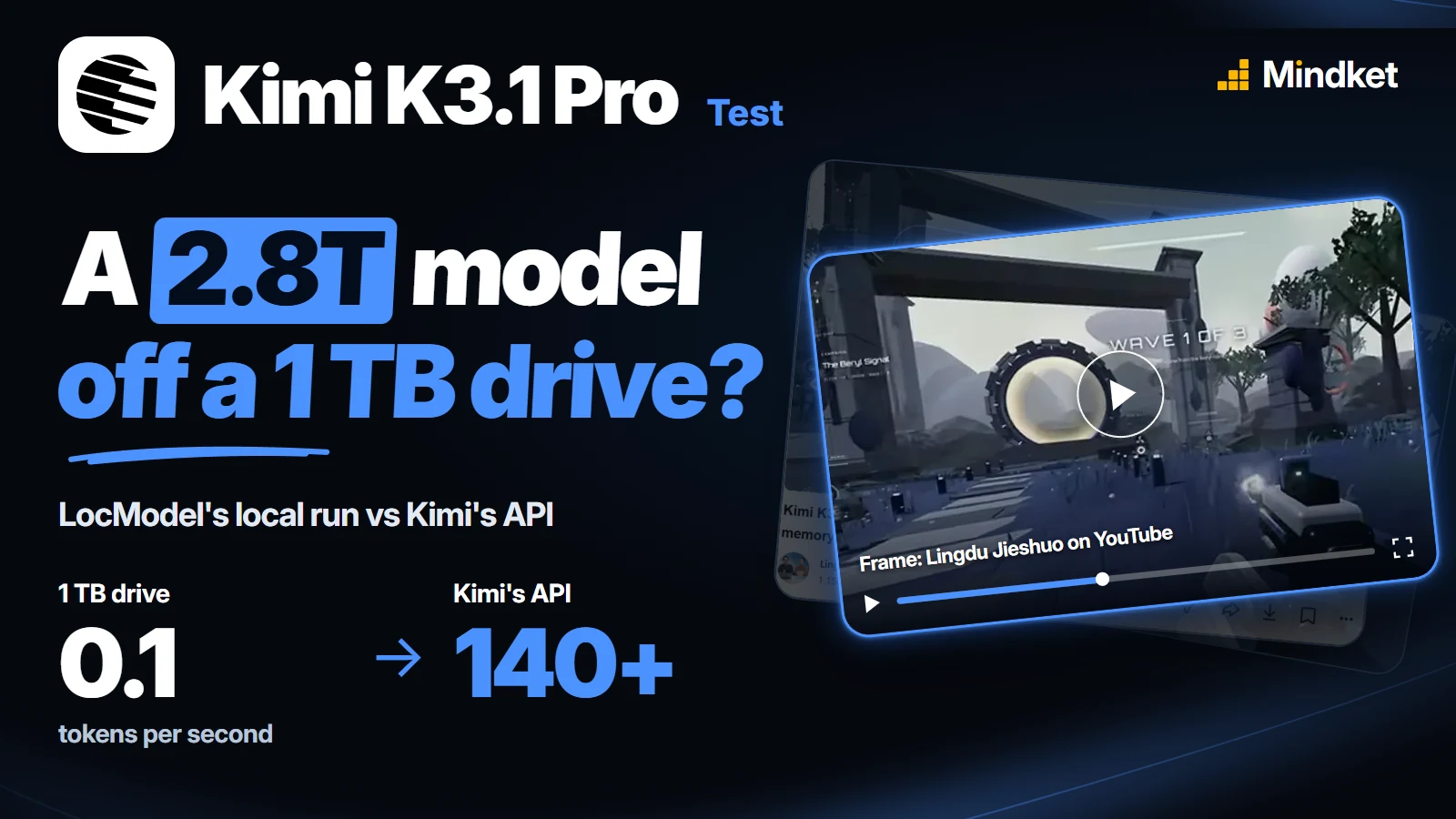
What happened when the video ran Kimi K3 off a 1 TB drive
The local test ran the earlier Kimi K3, not K3.1 Pro. The presenter picked a 1-bit build, which squeezes each of the model's numbers into a bit or two: a little over a third of the space of Moonshot's own release, with somewhat rougher answers. That was still 14 files and more than 550 GB, in GGUF, the format local model apps load.
The PC had too little graphics memory and RAM to hold it, so LocModel put the rest on a 1 TB drive and warned that it would be slow. It loaded without a crash and came out at about 0.1 tokens a second (a token is a word or a piece of one). Asked to introduce itself, the model replied, in Chinese, "Hello" after a long wait. The rest, "I'm Kimi, an AI assistant made by Moonshot AI", took a long while more. At that pace, a two-sentence reply takes about five minutes.

Why a drive can't keep up
Each token the model writes needs its own slice of the weights, about 22 GB of this 1-bit file by our arithmetic. RAM hands that over in well under a second. A drive has to collect it from scattered spots across the whole file, and even a fast one needs several seconds a token.
The presenter only uses the Chinese word for a drive, which covers any kind. We think it was an SSD: by the same arithmetic, a spinning hard disk would need nearly two minutes a token.
K3.1 Pro has the same parameter counts as K3, so from a drive it could be just as slow. Unsloth, which makes these compressed builds, had no 1-bit K3.1 Pro out when we checked.
What changed over Kimi's API
Then the presenter added Kimi's API to the same app and switched to K3.1 Pro. The counter jumped past 140 tokens a second.
An animated self-introduction came first, done in about two minutes, and the presenter likened it to a product launch. Next came a 3D micro-world in one web page, right on the first try: drag to look around, click the stream and ripples cross the water. The third was a whole game, which the model wrote into a work folder once the presenter allowed its permission prompt.
The video then shows a shooter, a pool game and a turbofan engine you can take apart, presented as Kimi's work without the prompts or the route that made them. The presenter does note that Kimi's games tend to look alike.
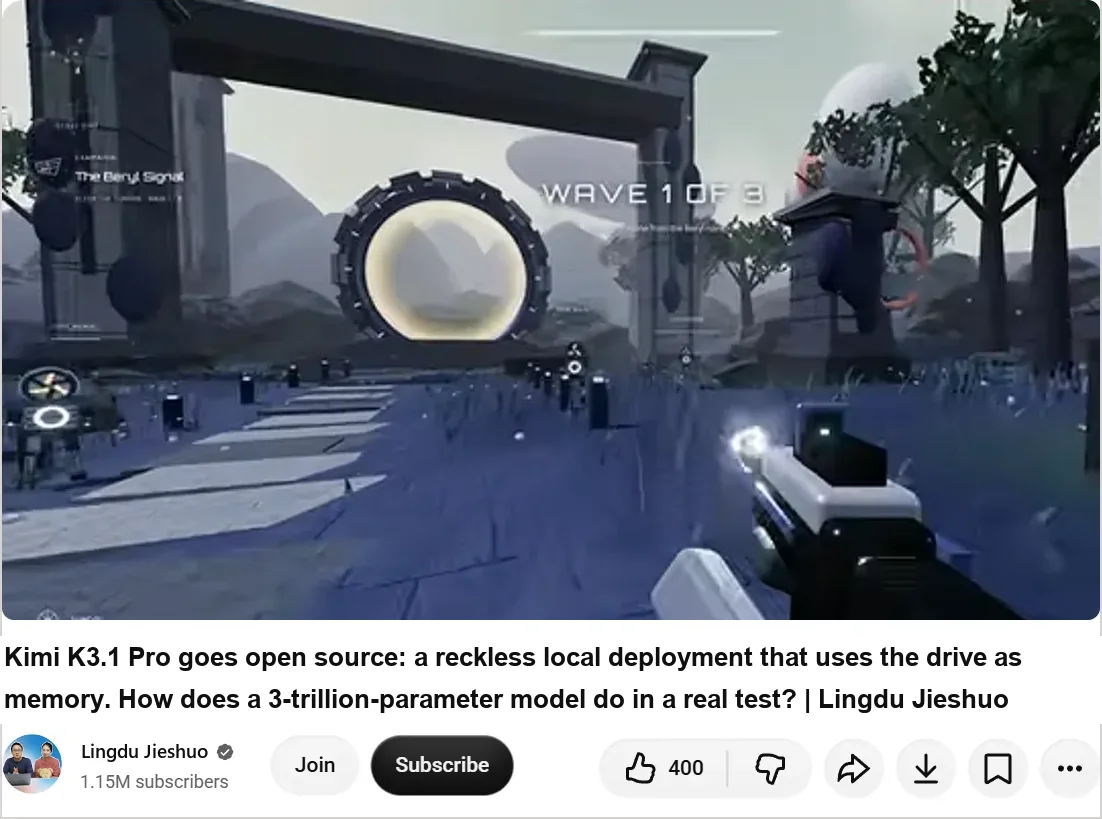
The shot shows the video's YouTube page on 6 November 2026, the day after this post went up, with that day's counts. We translated its Chinese title and channel name, and the frame stops above the video's Chinese subtitles. The Chinese page shows the page as captured. Select it to open the video.
How to set up Kimi K3.1 Pro in LocModel
LocModel is a free model loader for Windows, macOS and Linux, and the presenter used it for both runs.
- Download LocModel, unzip it and run the installer. It defaults to the C drive, so pick a roomier one if C is tight.
- Press the one-click install at the top. It sets up the inference engine for your NVIDIA, AMD or Intel card from the driver it finds.
- Open Settings, choose Add API and pick Kimi as the provider. Keep the default name and endpoint, paste your API key and press Fetch models.
- Pick Kimi K3.1 Pro from the model list at the top.
- For a project, choose a work folder at the top of the chat and allow the permission prompt, so the model can write files there.
Get a key at platform.kimi.ai for api.moonshot.ai or platform.kimi.com for api.moonshot.cn, and keep each key with its own base URL: neither site says a key works on the other. The international quickstart says K3.1 Pro opens after a first top-up.
When a model on your own PC makes sense
Over the API, every prompt and file you send ends up on Moonshot's servers. It was still the only route in the video fast enough to work with, in LocModel or in your own code, and it needs no new hardware.
For files that shouldn't leave your PC, let LocModel suggest the model. Once the engine is installed, it lists the open models your PC can run smoothly, and our hardware lesson shows how to size one yourself. Downloaded models run with no connection at all, and LocModel's LAN access lets other programs on your network call them.
The two remote routes, priced as their pages list them:
| Route | Listed price | Source |
|---|---|---|
| kimi-k3.1-pro on Kimi's API | $2 per million input tokens, $10 per million output tokens | Artificial Analysis, from Kimi's API |
| NVIDIA B300 on Spheron, per GPU | $11.52 an hour dedicated, $10.13 an hour spot | Spheron |
Reference: calling kimi-k3.1-pro from Python
Moonshot's API takes OpenAI-style and Anthropic-style requests, so the OpenAI Python library works once you change its base URL. Outside mainland China that's https://api.moonshot.ai/v1. Inside it, use https://api.moonshot.cn/v1 with a key from platform.kimi.com, as the Chinese docs do.
We haven't run this call. It needs a paid key. It follows the quickstart's model id and limits, and it needs openai 1.58 or later (pip install -U openai), the first version that takes reasoning_effort:
from openai import OpenAI  # openai 1.58 or later

client = OpenAI(
    api_key="YOUR_KIMI_API_KEY",  # from platform.kimi.ai
    base_url="https://api.moonshot.ai/v1",  # mainland China: https://api.moonshot.cn/v1, key from platform.kimi.com
    timeout=1800,  # thinking runs long: after the default 600 s the library retries the paid call
)

response = client.chat.completions.create(
    model="kimi-k3.1-pro",
    reasoning_effort="high",  # low, high or max (the default)
    messages=[
        {"role": "system", "content": "Reply with one self-contained HTML file that uses Three.js, and nothing else."},
        {"role": "user", "content": "Build an interactive 3D turbofan engine with an exploded-view slider."},
    ],
)

with open("turbofan_3d.html", "w", encoding="utf-8") as f:
f.write(response.choices[0].message.content)- K3.1 Pro always thinks, and there's no switch to turn that off.
reasoning_effortsets how hard it thinks:low,highormax, the default. - The API fixes
temperatureat 1.0 andtop_pat 0.95, along withnand both penalties. Leave them out of the request, which is why the call above sets none. - The docs list a second id,
kimi-k3.1-pro-highspeed, beside the standard one.
Reference: memory per Kimi build, and the drive arithmetic
Kimi doesn't run its whole model for each token. Most of its layers are split into 896 small networks called experts, and each token passes through 16 of them plus 2 shared ones. With the attention layers, about 104 billion of the 2.8 trillion parameters work on each token, as K3.1 Pro's model card gives it. Unsloth lists the same counts for K3.
The video's 1-bit build (594 GB in the table) stores about 1.7 bits a parameter, so a token's 104 billion come to roughly 22 GB. A fast PCIe 4.0 drive reads about 7 GB a second at best, three seconds a token, and the chosen experts sit at scattered places in the file, which slows the reads further. A spinning hard disk reads about 0.2 GB a second.
Moonshot's own weights are in MXFP4, a 4-bit number format the model was trained to run in, so they're already about the size of Unsloth's lossless 8-bit build. Shrinking to 4-bit barely helps: Unsloth's 4-bit K3 (UD-Q4_K_XL) is 1,510 GB, about 3% smaller.
Getting under 1 TB takes 2-bit or 1-bit. Unsloth measured what 1-bit gives up: its top pick for the next token matched the full model's 78.9% of the time. The video's 14 files fit the 1-bit UD-IQ1_S row, which Windows shows as about 553 GB. When a build fits in memory, Unsloth reports about 20 tokens a second on B200 GPUs.
| Build | Download | RAM plus VRAM to run at speed | Source |
|---|---|---|---|
| Kimi K3.1 Pro, Moonshot's MXFP4 weights | 1.56 TB, 96 files | Not stated. Moonshot points to vLLM, SGLang and TokenSpeed | Hugging Face |
| Kimi K3, Unsloth 8-bit (UD-Q8_K_XL) | 1,560 GB | 1.6 TB | Unsloth |
| Kimi K3, Unsloth 2-bit (UD-Q2_K_XL) | 861 GB | 880 GB | Unsloth |
| Kimi K3, Unsloth 1-bit (UD-IQ1_S) | 594 GB | 610 GB | Unsloth |
Last verified 5 November 2026, 15:40 UTC: Unsloth's public model list held Kimi K3 GGUFs and a K3.1 Pro safetensors copy, but no K3.1 Pro GGUF.
Frequently asked questions
Is Kimi K3.1 Pro open source?
Open weights, yes, on a license Moonshot wrote. Its Hugging Face repo carries the Kimi K3.1 Pro License, not MIT or Apache 2.0, so read the LICENSE file there before a product of yours depends on the model.
What changed from Kimi K3 to K3.1 Pro?
K3.1 Pro's 93 layers mix 69 Kimi Delta Attention layers with 24 Gated DeepSeek Sparse Attention layers, which replace K3's full-attention Gated MLA layers, as the model card puts it. It reads images as well as text, through MoonViT-V2, a 401-million-parameter vision encoder, and its context holds 1,048,576 tokens.
How does K3.1 Pro score against other models?
Close to the top in the coding scores Moonshot published. On Terminal-Bench 4.0, with K3.1 Pro run inside Claude Code, Moonshot reports 65.7%, behind Claude Opus 5.5 at 66.4% and ahead of GPT-6 Astra at 58.2%. Artificial Analysis's Intelligence Index showed 46, 22nd of 69 models, on the day we checked. A launch-week report had quoted that page at 55, fourth of 215 models.
How long does K3.1 Pro take to answer over the API?
Expect a pause before the first word. Artificial Analysis measured about 153 seconds to the first answer token, since the model thinks first, and about 33 tokens a second averaged over the whole request, wait included. The video's counter, which counts while text streams, read far higher.
Sources
- Lingdu Jieshuo on YouTube: Kimi K3.1 Pro goes open source: a reckless local deployment that uses the drive as memory. How does a 3-trillion-parameter model do in a real test? (in Chinese) https://www.youtube.com/watch?v=2wnFmecg6-8
- Moonshot AI: Kimi-K3.1-Pro model card (Hugging Face) https://huggingface.co/moonshotai/Kimi-K3.1-Pro
- Hugging Face API: moonshotai/Kimi-K3.1-Pro (files, size, dates) https://huggingface.co/api/models/moonshotai/Kimi-K3.1-Pro
- Hugging Face API: Unsloth models matching Kimi-K3 https://huggingface.co/api/models?author=unsloth&search=Kimi-K3
- Kimi blog: Kimi K3.1 Pro https://www.kimi.com/en/blog/kimi-k3-1-pro
- Kimi API docs: Kimi K3.1 Pro quickstart https://platform.kimi.ai/docs/guide/kimi-k3-1-pro-quickstart
- Kimi API docs, Chinese edition https://platform.kimi.com/docs
- Unsloth docs: Kimi K3, how to run locally https://unsloth.ai/docs/models/kimi-k3
- Artificial Analysis: Kimi K3.1 Pro https://artificialanalysis.ai/models/kimi-k3-1-pro
- AICybr: Kimi K3.1 Pro API pricing, benchmarks and open-weight release (24 October 2026) https://aicybr.com/blog/kimi-k3-1-pro-api-open-weights-benchmarks-cyber-training
- Spheron: NVIDIA B300 rental https://spheron.network/gpu-rental/b300/