
Bonsai-27B-GGUF
lmstudio-community · Kit
A GGUF conversion of the 27B Bonsai model for LM Studio, with a 3.80 GB Q1_0 language file and a 0.93 GB BF16 vision projector. Tested for text, vision and par…
New
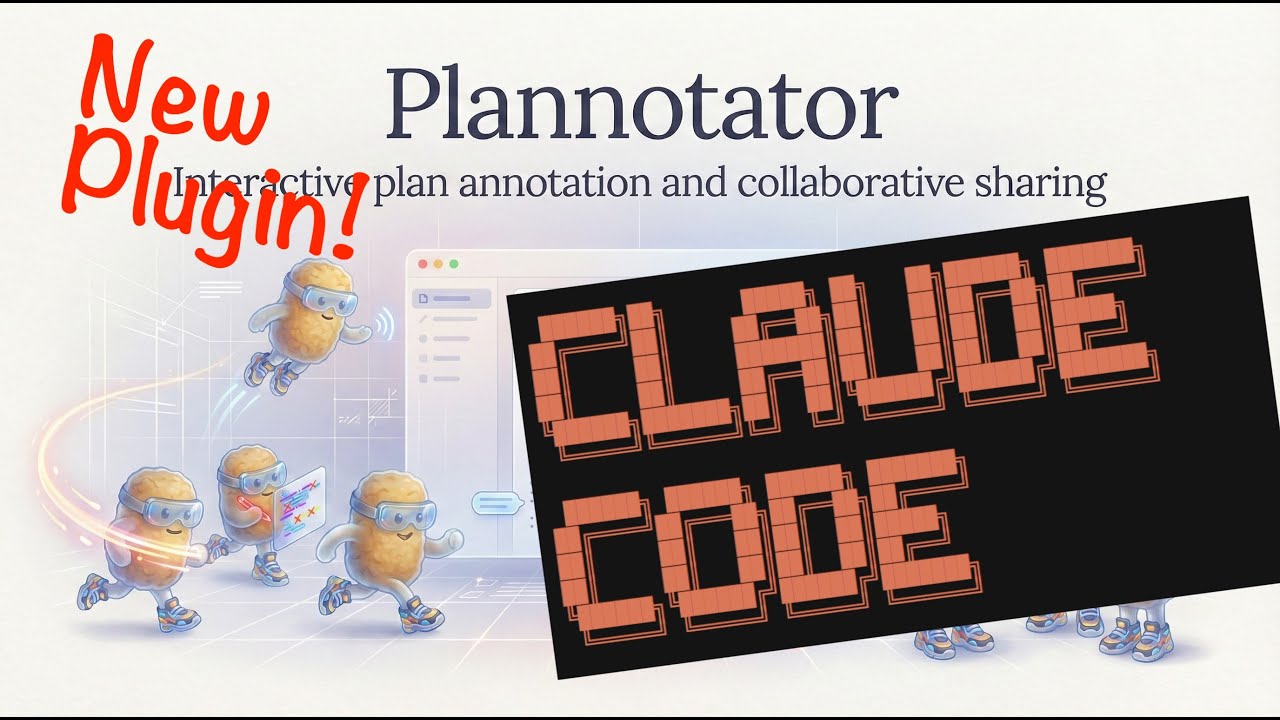



Opens your AI coding agent's plans, specs and code changes in a browser so you can annotate or comment on them and send the feedback straight back to the agent.
plannotator is an open-source project on GitHub in the Developer category, listed by Mindket. It is free. This is version 1, last updated on . Install it from GitHub as its README says. Get Mindket’s setup notes on your Mindket account, as a zip.
Plannotator is a review page that runs locally in your browser for work done by AI coding agents. It attaches to your agent using hooks and commands. When the agent offers a plan, produces HTML or finishes code, the work opens in the browser, where you mark it up and send your comments back.
It suits developers who work with coding agents and want to read, correct and approve the agent's output before anything is built or merged. The project also lets you share work with your team.
| Industry | Who uses it | How they use it | Example |
|---|---|---|---|
| Software development | Developers using coding agents | Annotate a plan or spec before the agent starts building | Comments on a plan that the agent then acts on |
| Code review | Reviewers | Comment on local changes or remote pull requests and suggest code | Review comments on a diff that go back to the agent |
| Team delivery | Teams running several agents | Manage multi-agent work through Plannotator Inbox | One place to follow what several agents are doing |
Anyone who does not use an AI coding agent can skip it.
| Use case | Who | What they get back |
|---|---|---|
| Plan review | Developers | A marked-up plan or spec the agent can act on |
| Code review | Developers and reviewers | Comments and suggested code on a diff or pull request, sent to the agent |
| HTML review | Teams | Comments on HTML that the agent produced |
Work with your agent as usual. When it proposes a plan or finishes a change, the review page opens in your browser. Mark up the text, comment on the diff, then send everything back to the agent with one click.
| Tool | What it does |
|---|---|
| Markdown Review | Lets you annotate plans, specs and markdown before implementation |
| Code Review | Lets you review local changes or remote pull requests and comment on diffs |
| HTML Artifacts | Lets you mark up HTML that the agent produces |
| Plannotator Inbox | Helps you manage the work of several agents |
Your agent proposes a plan for a new feature. You open it in the review page, strike one step, add a note on another, and send your comments back. The agent then revises the plan with them.
If you are new, think of Plannotator as a way to give an AI agent notes the way you would on a shared draft. Start with the next plan your agent writes and add one comment to it.
Under the surface, hooks and commands in each agent open the review page when work is ready, and your comments travel back to that agent as feedback to act on. The same page handles plans, specs, HTML and diffs, so one review habit covers all of them.
Opens your AI coding agent's plans, specs and code changes in a browser so you can annotate or comment on them and send the feedback straight back to the agent.
Made by backnotprop on GitHub. These notes are Mindket's, written from its README; the project's own files and license are in its repository.
What it is: Plannotator is a review page that runs locally in your browser for work done by AI coding agents. It attaches to your agent using hooks and commands. When the agent offers a plan, produces HTML or finishes code, the work opens in the browser, where you mark it up and send your comments back.
Who it suits: It suits developers who work with coding agents and want to read, correct and approve the agent's output before anything is built or merged. The project also lets you share work with your team.
Industry | Who uses it | How they use it | Example
Software development | Developers using coding agents | Annotate a plan or spec before the agent starts building | Comments on a plan that the agent then acts on
Code review | Reviewers | Comment on local changes or remote pull requests and suggest code | Review comments on a diff that go back to the agent
Team delivery | Teams running several agents | Manage multi-agent work through Plannotator Inbox | One place to follow what several agents are doing
Anyone who does not use an AI coding agent can skip it.
Where to use it:
Use case | Who | What they get back
Plan review | Developers | A marked-up plan or spec the agent can act on
Code review | Developers and reviewers | Comments and suggested code on a diff or pull request, sent to the agent
HTML review | Teams | Comments on HTML that the agent produced
How to use it: Work with your agent as usual. When it proposes a plan or finishes a change, the review page opens in your browser. Mark up the text, comment on the diff, then send everything back to the agent with one click.
Tool | What it does
Markdown Review | Lets you annotate plans, specs and markdown before implementation
Code Review | Lets you review local changes or remote pull requests and comment on diffs
HTML Artifacts | Lets you mark up HTML that the agent produces
Plannotator Inbox | Helps you manage the work of several agents
Example: Your agent proposes a plan for a new feature. You open it in the review page, strike one step, add a note on another, and send your comments back. The agent then revises the plan with them.
For newcomers and experts: If you are new, think of Plannotator as a way to give an AI agent notes the way you would on a shared draft. Start with the next plan your agent writes and add one comment to it.
Under the surface, hooks and commands in each agent open the review page when work is ready, and your comments travel back to that agent as feedback to act on. The same page handles plans, specs, HTML and diffs, so one review habit covers all of them.
The agent proposes a plan or finishes code
The work opens in your browser
You mark it up and comment
You send the feedback with one click
The agent acts on it
Good to know:
git clone https://github.com/backnotprop/plannotator.gitThen follow the setup in its README. Nothing in this kit runs by itself.
README.md 5 KB
Listed GitHub projects in the same category that share the most topics with this one.
| Product | Stars | Activity | Language | License | Last change |
|---|---|---|---|---|---|
| plannotator This page | 10,483 | Active | TypeScript | Apache-2.0 | |
| imboShares opencode · codex · claude-code | 111 | Active | Rust | Apache-2.0 | |
| code-review-skillShares code-review · codex · claude-code | 441 | Active | Python | MIT | |
| Agent SkillsShares skills · codex · claude-code | 116,705 | Active | JavaScript | MIT | |
| BAMAShares skills · codex · claude-code | 1,619 | Active | Swift | MIT | |
| WorktrunkShares agents · codex · claude-code | 12,134 | Active | Rust | — |
Posts and comments that name this project on Hacker News, Bluesky, X, Reddit, Facebook and YouTube, found by a weekly search and on Trendshift. Mindket doesn’t write or check them. Open one to read it where it was posted.
lmstudio-community · Kit
A GGUF conversion of the 27B Bonsai model for LM Studio, with a 3.80 GB Q1_0 language file and a 0.93 GB BF16 vision projector. Tested for text, vision and par…
LibertAIDAI · Kit
Runs DeepSeek-V4.1-Flash-1017 as a 2.9 bits-per-weight EXL3 quantization, a 196 GiB copy for people serving large models on their own hardware. Perplexity stay…
facebook · Kit
Generates short music clips from a text description or an audio prompt, in the small checkpoint of facebook's MusicGen. It suits developers and music hobbyists…
addyosmani · Skill
Addy Osmani’s open-source set of engineering skills for AI coding agents. Each skill is a Markdown workflow with steps, checks and exit criteria. The setup not…
op7418 · Skill
Skill that makes single-file HTML slide decks, slide illustrations and platform covers in two visual styles, with a presenter mode for rehearsal. For speakers…
max-sixty · Kit
A command-line interface for managing Git worktrees. It helps developers switch between branches and manage parallel AI agent tasks efficiently.